Skip straight to it
Get the 128px file, already under 256KB.
Free resizer, already set to the emoji preset. No account, nothing uploaded to a server.
128×128, under 256KB
One size, one file cap, and — unlike a Discord avatar's 128px floor and 512px ceiling — nothing above it to aim for instead.
| Rule | Value | Notes |
|---|---|---|
| Shape | 128 × 128 px, square | No rectangular option, no bigger version |
| Static formats | PNG, JPEG | WebP is not accepted — it is for an avatar or server icon |
| Animated format | GIF | Same 128×128 as a static emoji, not a separate size |
| Max file size | 256KB | Upload is refused outright, not compressed for you |
| Name | 2–32 characters, no spaces | This is the text after the colon shortcut |
'Emoji' and 'emote' are the same file here
Discord and Twitch each settled on their own word for the identical idea — a small custom image a community drops into chat — and the two words get used interchangeably by anyone who's on both platforms.
Open Discord's own Server Settings and the word "emote" doesn't appear anywhere — it says Emoji, in the sidebar, in the upload dialog, in every support article Discord has written about it. "Emote" is Twitch's word for the same concept, from its own Emote menu.
Run a Twitch channel and a Discord server for the same community, and there's no real reason to keep the two words apart in your head — you set up one, then the other, and whichever term you used five minutes ago tends to stick. This page is written for both searches, because the spec doesn't change depending on which word got you here: 128×128, under 256KB, either way.
Where a Discord emoji actually renders
The 128px upload is never actually shown at 128px. Discord shrinks or blows it up depending on where it turns up, and the size that matters most is the one nobody designs for on purpose.
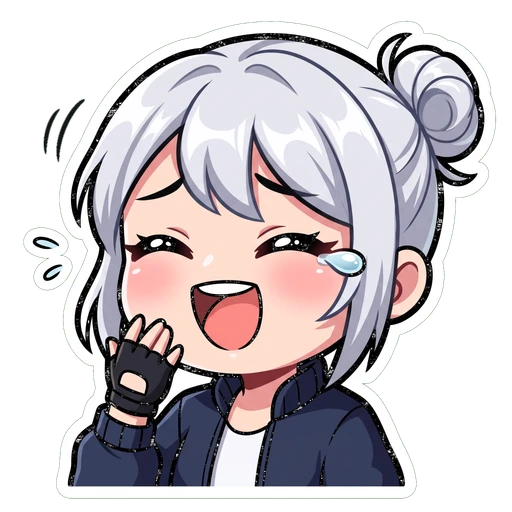
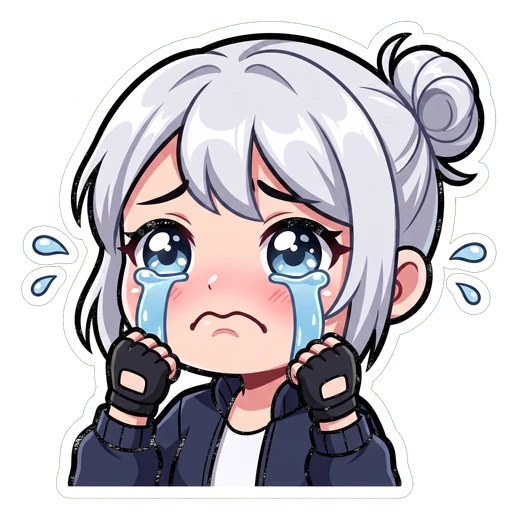
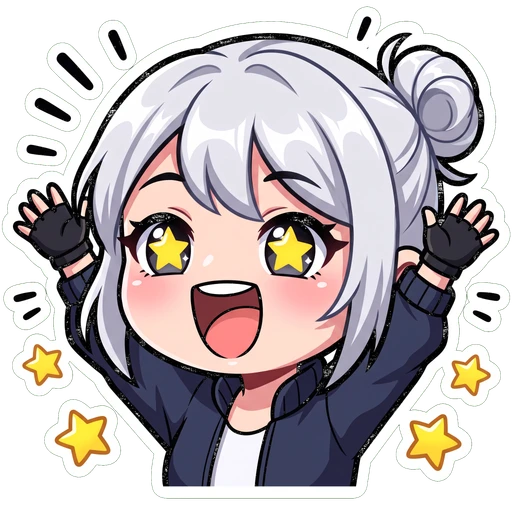 432
432| Where it turns up | Shown at | Notes |
|---|---|---|
| Emoji picker | ~32px | Browsing before you send it — flattering, and a little misleading |
| Inline in a message | ~22px | Typed alongside ordinary text |
| Reaction pill | ~16px | The smallest, and the one people actually see most |
| A message with only emoji | ~48px | Discord "jumbos" it when there's no text to share space with |
Animated emoji: same 128px, just a GIF
Nothing about the size changes for an animated emoji — the only difference is the file format, and how much faster that 256KB cap arrives.
| Rule | Value |
|---|---|
| Size | 128 × 128 px — identical to a static emoji |
| Format | GIF |
| Max file size | 256KB, same hard cap |
| Where it plays | Inline, in the picker, and as a reaction — same as a static emoji |
| Requirement to add | None — no boost, no Nitro, for the person uploading it |
That last row is worth pausing on, because most of Discord's other animated assets aren't free. An animated avatar needs Nitro, and an animated server banner needs Boost Level 3. An animated custom emoji needs neither — every member of the server it belongs to can use it the moment it's uploaded, no subscription and no boosting involved.
What actually goes wrong
The pixel count is rarely the problem. The file cap, the format, and judging it at the wrong size account for almost everything else.
- Export at exactly 128×128, even if the source art started much bigger
- Check the actual file size before uploading, not just the pixel dimensions
- Keep the background transparent — a filled square shows as a coloured box on one of Discord's themes
- Judge the finished emoji at 16px, the reaction-pill size, not the picker
- Assume an animated GIF gets a looser file cap — it's the same 256KB either way
- Save it as WebP — Discord accepts that for a pfp or server icon, not for an emoji
- Pack a whole scene into the square — an emoji that's mostly background has less room for the part that has to read small
- Judge it only from the emoji picker, where almost anything looks acceptable
Resize it free, right now
Crop to 128×128, or pad the whole image in with transparent margins — no account, no watermark, nothing uploaded to a server.
Drop in an image, download a 128px PNG that clears 256KB.
The same free tool covers Discord avatars, server icons and both banner types too — one upload, the correct size back.
Questions people actually ask
Keep going
128×128, 256KB, and how many slots your server really has. How to make a set that still reads at 16 pixels — which is how small a reaction actually gets.
Drop in one image, pick emoji, avatar, server icon or banner, and get the correct Discord size back with transparency intact. No account, no watermark.
Server banners and profile banners are two different assets with two different aspect ratios. Both specs, both unlock requirements, in one place.
128px is the minimum Discord accepts. 512px is the size you should actually upload. Two different numbers, plus the circular crop and the animated-GIF rule.
One emoji sized.
Want a whole reaction set?
On Air Kit builds Discord emoji and Twitch emotes from the same character in one pass — describe it or attach a photo, pick a style, and get a matching set back already cut out and sized for both platforms.