Size and file rules
One size, one file cap, three accepted formats. Everything else on this page is design.
| Rule | Value | If you get it wrong |
|---|---|---|
| Dimensions | 128 × 128 (square) | Discord resizes it — usually softer than you'd like |
| Max file size | 256KB | Upload is refused |
| Format | PNG, JPEG or GIF | Animated has to be GIF; APNG and WebP aren't accepted |
| Background | Transparent | A pale box around your emoji on the dark theme |
| Name | 2–32 characters, no spaces | Discord rejects it or silently rewrites it |
Bigger pictures get shrunk down for you. Fine for a one-off.
For a whole set, export at 128 yourself. You control how it sharpens — and you find out whether the design still reads before the server sees it.
How many emoji your server actually gets
Static and animated emoji come out of two separate pools, so a full static list doesn't cost you any animated slots.
| Server level | Static emoji | Animated emoji | Stickers |
|---|---|---|---|
| No boosts | 50 | 50 | 5 |
| Level 1 | 100 | 100 | 15 |
| Level 2 | 150 | 150 | 30 |
| Level 3 | 250 | 250 | 60 |
Fifty sounds like plenty until you've run a server for a year.
The wasted slots are almost always one-off jokes uploaded at 2am and never used again. Worth an audit before you decide you need a boost.
Pick one subject for the whole set
The thing that makes a server's emoji feel like that server is that they clearly come from the same place. One character, many reactions.
Your face, a mascot, the mod everyone quotes, the server pet. Doesn't much matter which — it just has to recur.
Variety is what breaks a set. Eight emoji in eight art styles read as a folder of downloads, not an identity.
If the set is of a real face, the reference you work from decides most of the result — and that's true whether you're drawing it, briefing an artist or uploading it somewhere. The Twitch guide shows what a usable photo looks like → — the requirements are identical here.
Pick a style that reads at 16 pixels
Discord is less forgiving than Twitch. A reaction pill is roughly 16 pixels — the smallest either platform will ever show your work at.
- Thick, dark outlines.Discord's default theme is dark grey, not black — a mid-tone emoji with no outline melts into it.
- One expression per emoji, exaggerated.Subtlety is invisible at this size. If it's a laugh, it's the biggest laugh you can draw.
- A crop that's mostly face. Bodies, props and backgrounds cost you the pixels the expression needs.
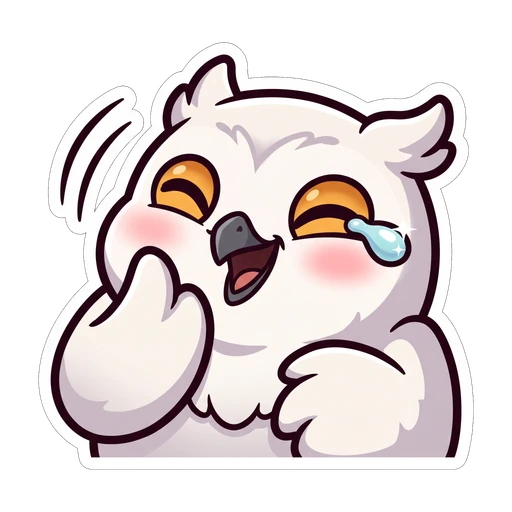
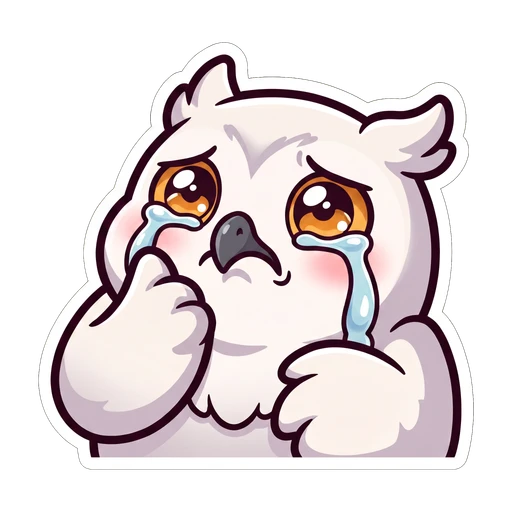
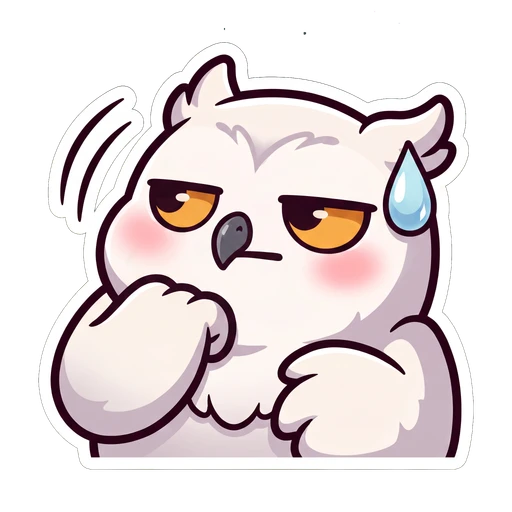
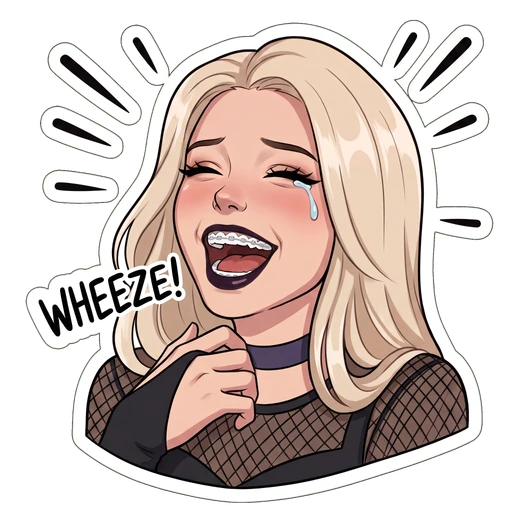
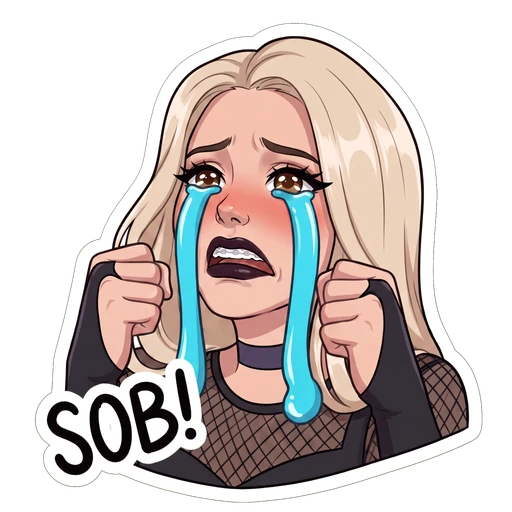
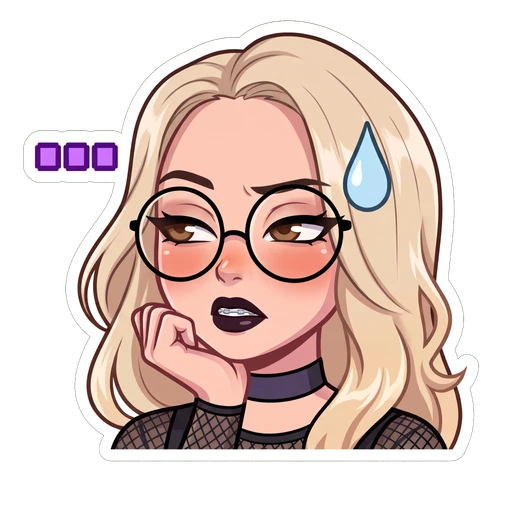
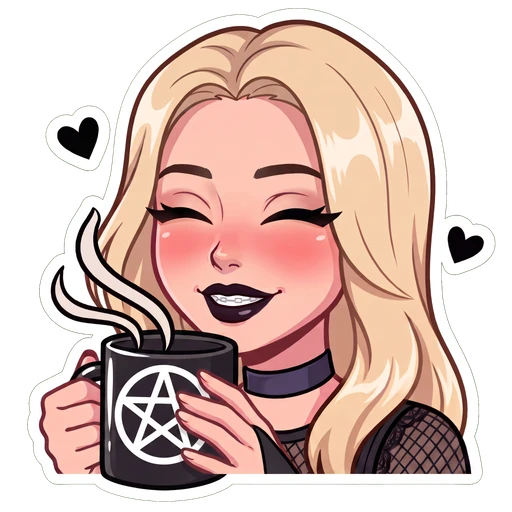
Three looks that follow those rules. Our own presets, so not a neutral survey — but the heavy outlines and flat colour are the bit to copy, into your own drawing or into someone else's brief.
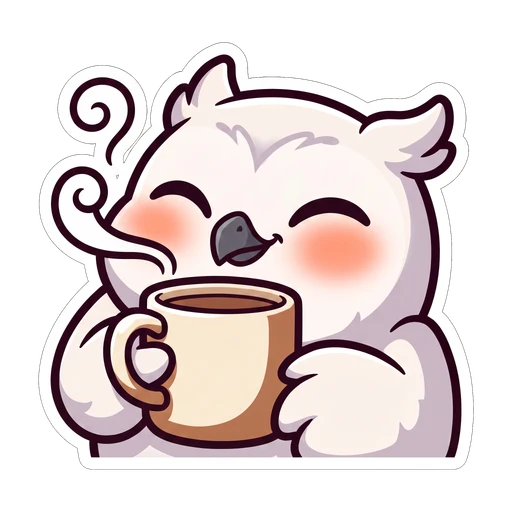
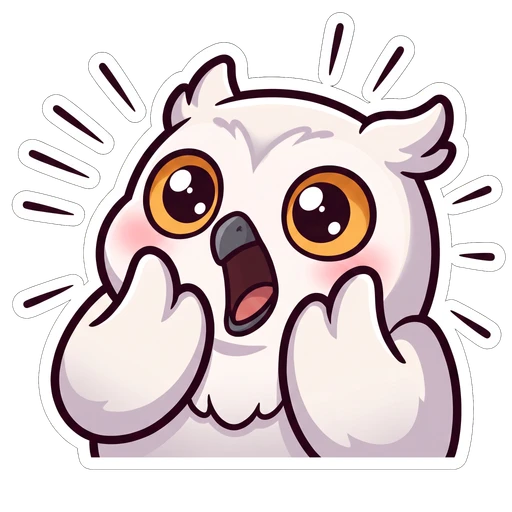
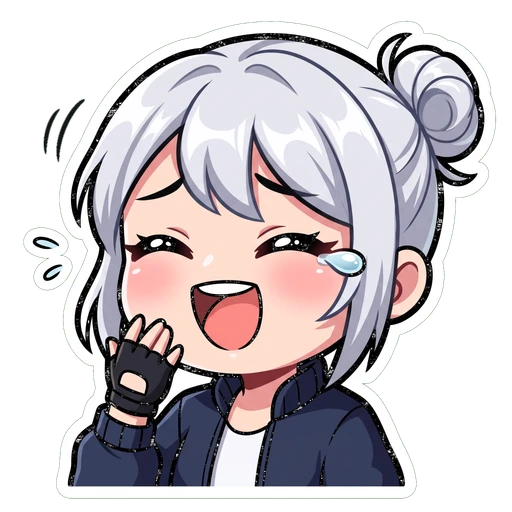
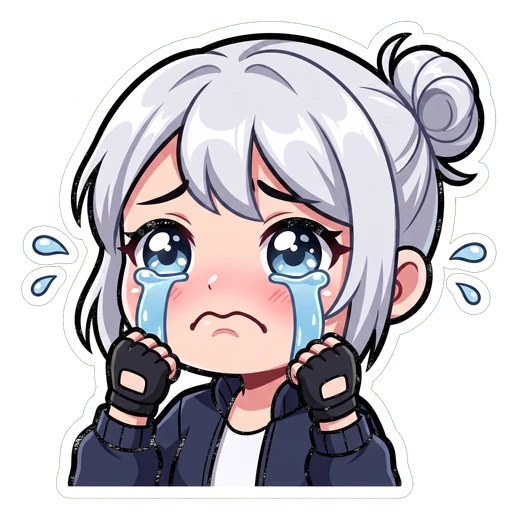
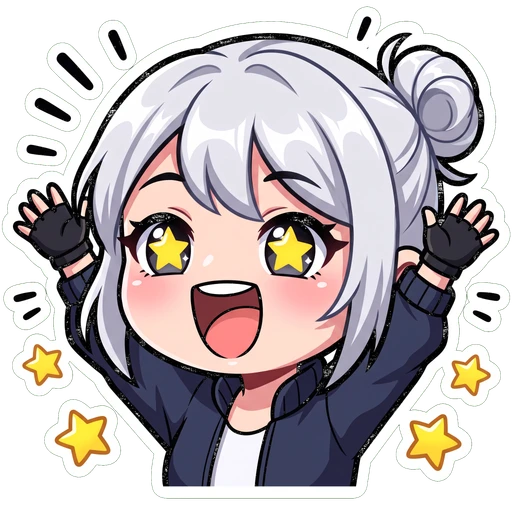
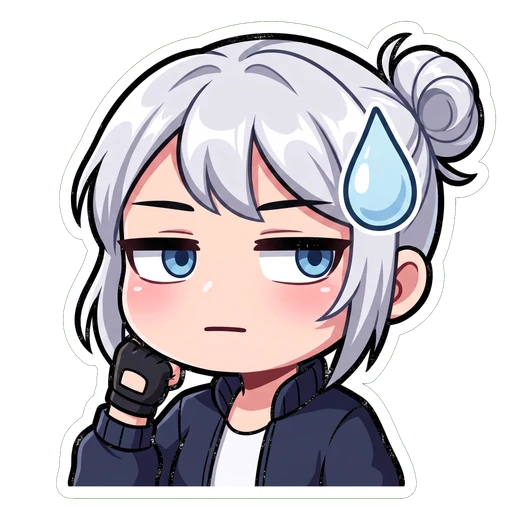
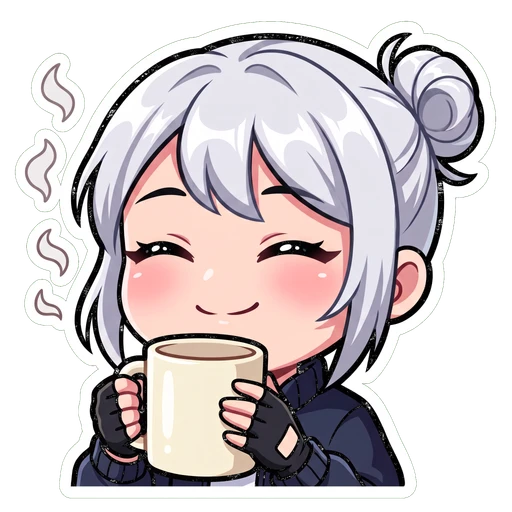
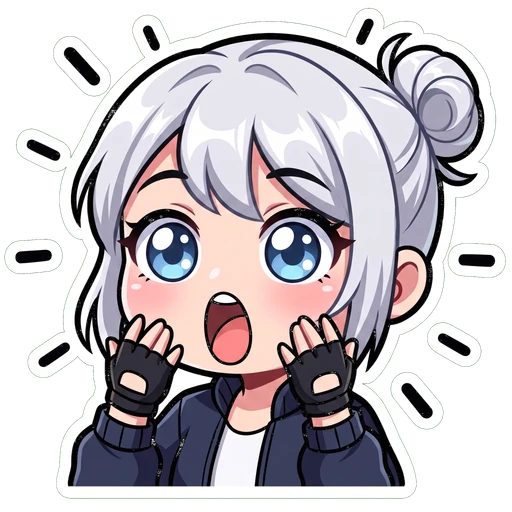

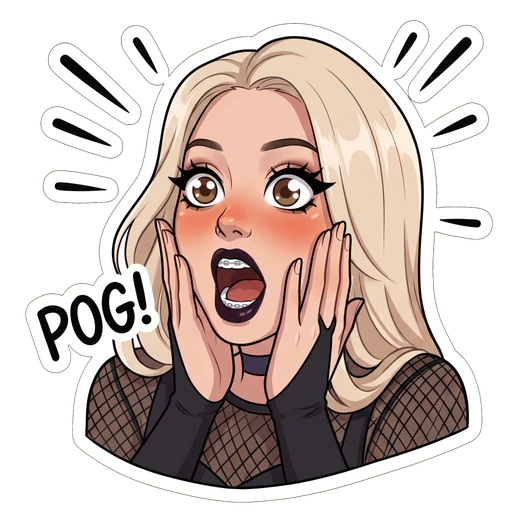
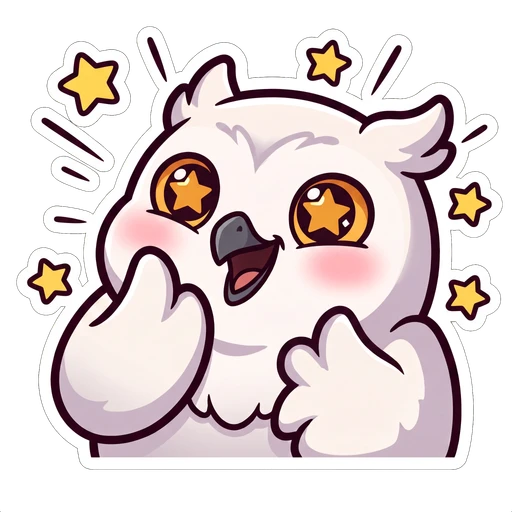
Choose the emoji a server actually uses
Server emoji get used differently from Twitch emotes. Most of the volume is reactions — a one-click verdict on someone else's message — so the useful set skews towards judgements rather than jokes.
| Emoji | Used as | Why it earns a slot |
|---|---|---|
| yes / this | Reaction | The most-clicked emoji on almost every server |
| no / nope | Reaction | Disagreement without typing a paragraph |
| wheeze | Both | Replaces 😂 with something that's yours |
| hype | Both | Launches, wins, someone finally shipping it |
| sad | Both | Sympathy, losses, patch notes |
| confused | Reaction | Softer than asking someone what they mean |
Naming them
- Two to thirty-two characters, no spaces — underscores if you need a break.
- Lowercase and short. People type these with the colon shortcut, and autocomplete only helps if the first few letters are guessable.
:wheeze:beats:kira_laughing_hard:, every time.
:owl_sideeye: gets found by nobody; :sus: gets found by everybody.Cut out the background, then export at 128
Discord's default theme is dark and its light theme is near-white. An emoji with a background looks broken on one of them, guaranteed.
- Export as PNG with real transparency — check it against a dark background before uploading
- Square canvas, 128 × 128, with the artwork nearly filling it
- Under 256KB, which a 128px PNG comfortably is
- Keep the big master file — you'll want it for Twitch and 7TV
- Saving as JPG — no transparency, and it softens your outlines
- Leaving a pale rim of old background stuck round the edge
- Padding the canvas with empty space — it shrinks the art inside an already tiny box
- Uploading a rectangle and letting Discord squash it
Upload to your server
Two minutes, and you can drop in the whole set at once.
- 1Open Server Settings
Click the server name at the top of the channel list, then Server Settings. You need Manage Expressions — on most servers that means owner or admin.
- 2Go to Emoji
It's in the left sidebar under the server's settings, alongside Stickers and Soundboard.
- 3Upload Emoji
You can select several files at once. Discord lists them at the size they'll actually appear, which is your first honest look at whether they read.
- 4Rename each one
Discord names them after the filename, which is almost never what you want. Two to thirty-two characters, lowercase, no spaces.
- 5Test it as a reaction
Not just typed into a message — react to something with it. That's the 16px view, and it's the one most members will see most often.
Where your emoji actually show up
The one file you upload gets shown at four very different sizes, depending on where it turns up. Flip to the Twitch tab to see how the same set behaves over there.

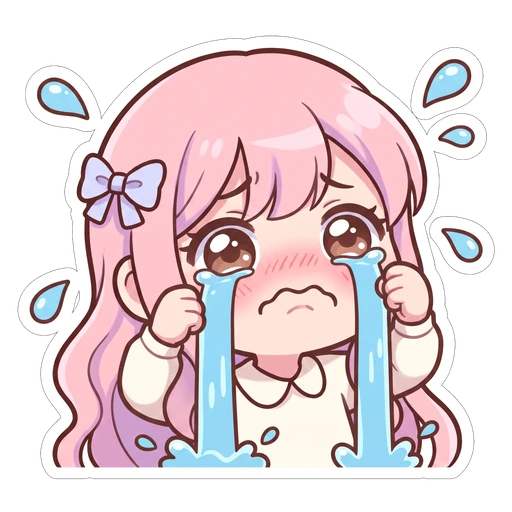
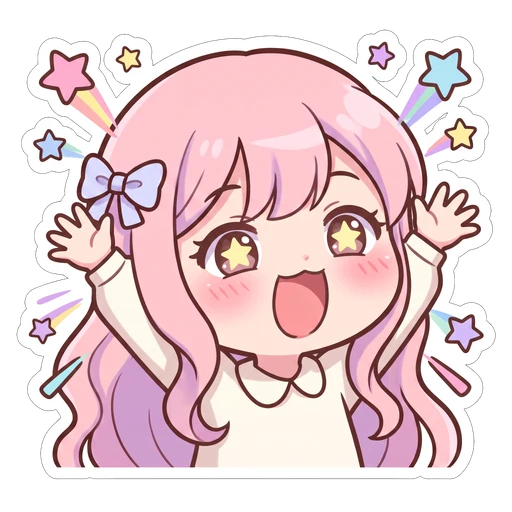 432
432| Where it turns up | Shown at | Notes |
|---|---|---|
| Emoji picker | ~32px | Where people browse — flattering, and misleading |
| Inside a message | ~22px | Typed alongside text |
| Reaction pill | ~16px | The smallest, and the most used |
| A message with only emoji | ~48px | Discord blows these up |
Emoji, stickers and soundboard
Three separate systems with three separate slot pools. Worth knowing which one you actually want before you make anything.
Emoji
Inline in messages and as reactions. This is what you want for a reaction set.
Stickers
Sent on their own, much larger, can't be used as reactions. Good for one or two signature bits.
Soundboard
Voice-channel only. Nothing to do with your art, but it comes out of the same 'server personality' budget.
Questions people actually ask
Keep going
Drop in one image, pick emoji, avatar, server icon or banner, and get the correct Discord size back with transparency intact. No account, no watermark.
Server banners and profile banners are two different assets with two different aspect ratios. Both specs, both unlock requirements, in one place.
128px is the minimum Discord accepts. 512px is the size you should actually upload. Two different numbers, plus the circular crop and the animated-GIF rule.
512×512, shown as a circle in your server list, no boost required. The spec, the circular-safe template, and the mistake that makes icons look off-center.
A whole set,
one character.
On Air Kit is ours — it's an emote maker. Describe your character or attach a photo, pick a look, and you get a matching emoji pack back, cut out and exported at Discord's 128 alongside every Twitch size — and everything else this product ships to. There's a walkthrough if you'd rather see how it works first.