Sizes and file rules
Three sizes, one format, one size limit. This is the entire technical requirement — everything after it is design.
| Size | Where it appears | Why it matters |
|---|---|---|
| 112 × 112 | Emote picker, hover popouts, sub perks page | The version people judge before they subscribe |
| 56 × 56 | Some chat clients, mobile layouts | The in-between nobody thinks about |
| 28 × 28 | Live chat, inline in messages | Where nearly every single view happens |
| Rule | Value | If you get it wrong |
|---|---|---|
| Format | PNG (GIF for animated) | Upload is rejected outright |
| Max file size | 1MB per file | Upload is rejected outright |
| Background | Transparent | A white box follows your emote around chat |
| Shape | Square | Twitch won't take a rectangle |
| Colour mode | sRGB (the default) | Colours look duller than they did in your editor |
You don't have to export all three by hand. Give Twitch one square PNG between 112px and 4096px, under 1MB, and it makes the other two for you.
It shrinks them well enough. But it can only shrink what you gave it — a design that's already busy at 112 will not survive the trip.
Three ways to get a set
Everything after this is the same whichever route you take — the design rules don't care who drew it. But the cost, the wait and the amount of control are completely different, and it's worth picking before you start.
Draw them yourself
- Cost
- Free, plus whatever you already draw in
- Time
- An afternoon each once you're fluent
- Control
- Total
The catch. Drawing for 28 pixels is its own skill, and not much like drawing anything else. Expect the first set to be a learning exercise rather than the one you keep.
Commission an artist
- Cost
- Roughly $20–60 each, so $120–360 a set
- Time
- Days to weeks, plus revisions
- Control
- High, through the brief
The catch. Cost scales in a straight line — the seventh emote costs what the first did — so coming back for more later is a real decision each time.
Use an emote maker
- Cost
- Cents to a few dollars per attempt
- Time
- Minutes
- Control
- Through a written brief and reference images
The catch. You'll throw away takes to get keepers, and the likeness is only ever as good as the reference you hand it. Check the licence covers commercial use before you upload anything.
On Air Kit is an emote maker, and this is our site. So take that third card with a pinch of salt.
Everything else here works the same whichever way you go. Twitch's rules don't care who made the file, and neither does chat.
Decide what the emote is of
Emotes work as a set, and a set needs one recurring character. Six unrelated pictures read as clip art; six reactions from the same face read as your channel.
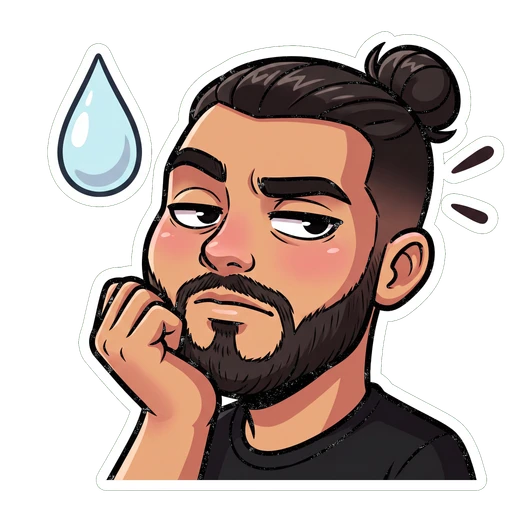
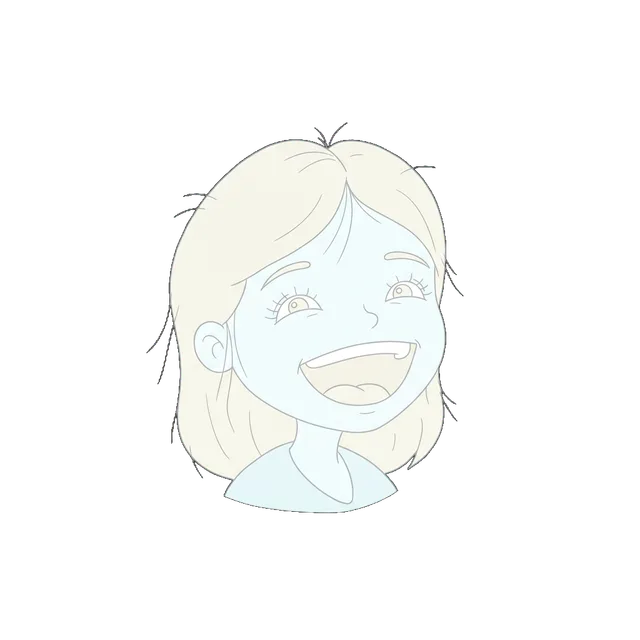
Caricature keeps you recognisable.
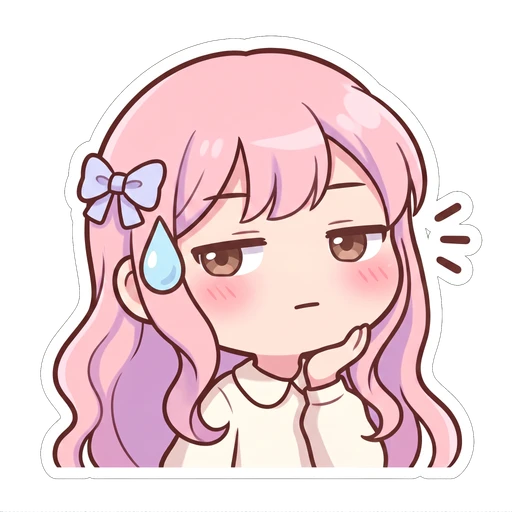
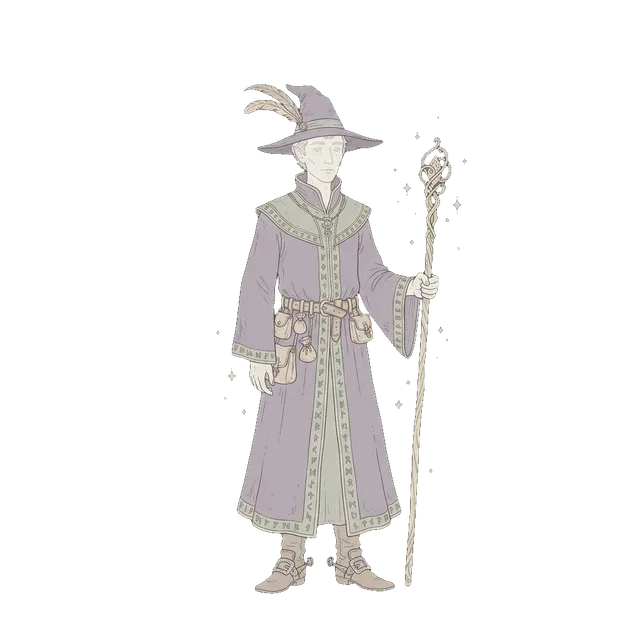
The character chat already knows.
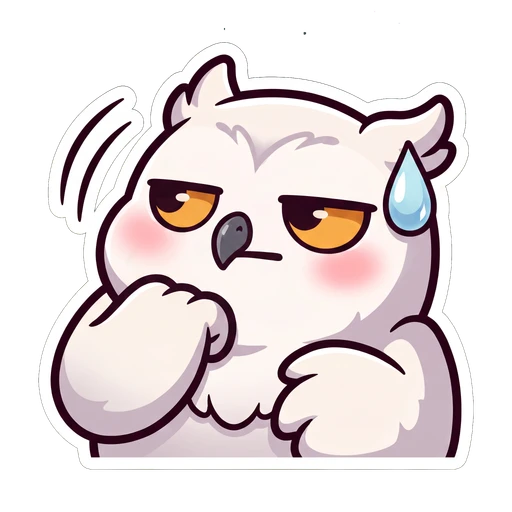
Simple shapes, reads tiny.
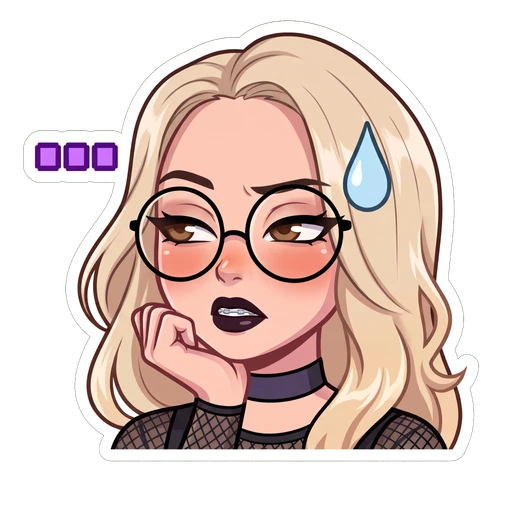
Whatever your regulars quote.
Whichever you pick, the test is whether a regular could name it from the outline alone. That's about as much as survives the trip down to 28 pixels.
- One subject you'll keep coming back to — you'll want more emotes later
- Something with a distinctive shape: hair, ears, hat, glasses
- A subject you're allowed to use, which means yours or nobody's
- A different character for each emote
- A logo or wordmark — Twitch wants a subject, not typography
- Anything from a game, anime or film you don't own
Gather your reference
Reference is whatever tells someone what the character looks like. Get it wrong and everything downstream inherits the mistake.
Propped on a second monitor while you draw. Attached to a brief for an artist. Dropped into an emote maker. Same job every time.
And the same rule every time: what isn't in the reference gets guessed at. A guess is how you end up with an emote of someone who looks a bit like you.
If the subject is a real face
Then it's photos. Here are six, judged the way all three routes would judge them.
Photos worth working from



- ✓Both sides of the face lit, nothing in shadow.
- ✓One big, unambiguous emotion to build the set around.
- ✓A three-quarter turn shows the face's actual shape, not just its front.
Photos nobody can use
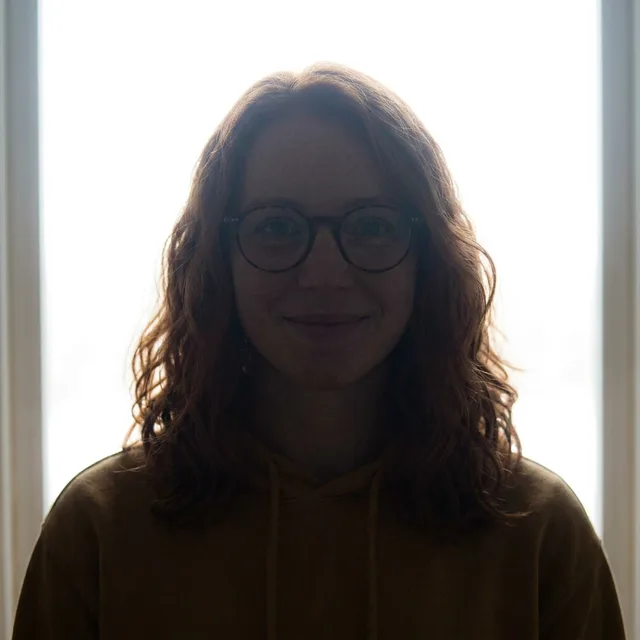
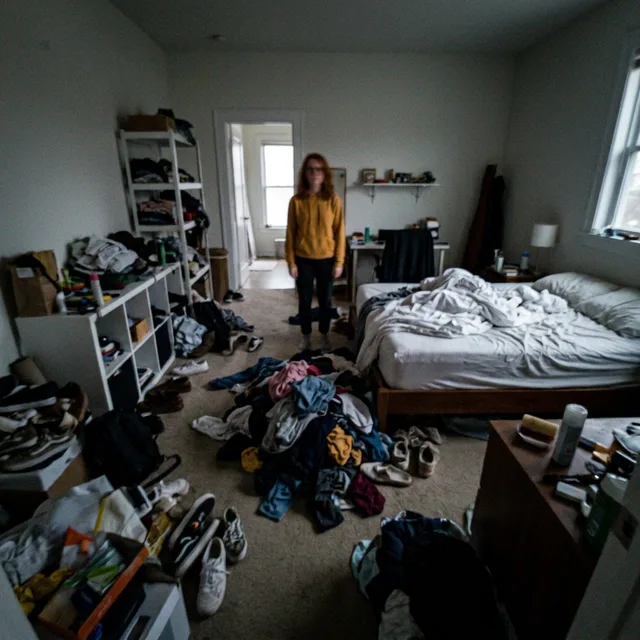
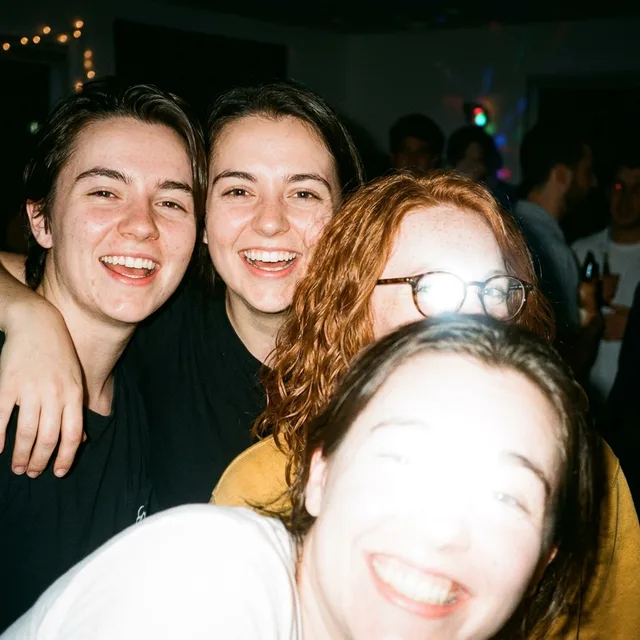
- ✕The face is just a dark shape. There's nothing there to copy.
- ✕Your head is forty pixels wide and blurred. Detail that isn't in the photo can't come out of it.
- ✕Four faces, a flash on the glasses — nothing says which person is you.
- One clean, evenly lit, front-on shot does most of the work.
- Two adds a three-quarter angle, so the face keeps its shape when the pose changes.
- Three adds a big expression to build the rest of the set from.
Past that you're just adding slightly different faces to blend, which usually makes the likeness worse.
If the subject only exists in your head
An original character, a persona, a mascot — then the reference is a paragraph. Pin down the handful of things someone would use to point them out in a crowd:
- Hair — colour and length
- Eyes — colour, and glasses or not
- One signature thing — the hoodie, the horns, the headset
That paragraph is the whole deliverable. Tape it above your desk, send it to an artist, or paste it into an emote maker — three uses, one piece of writing.
Pick a style that survives chat
Most emotes fail here, not at the export step. A style that looks gorgeous at full size can be completely illegible at the size it will actually be seen.
Whatever look you go for, three things decide whether it holds up small:
- A thick, dark outline.It's what separates your emote from the chat background — on both the dark and light themes.
- Light bits and dark bits. Squint at it. If the hair, skin and clothes all turn into one grey blob, so will the emote.
- Few, big shapes. Detail below about four pixels wide is noise. Spend the space you have on the eyes and mouth.
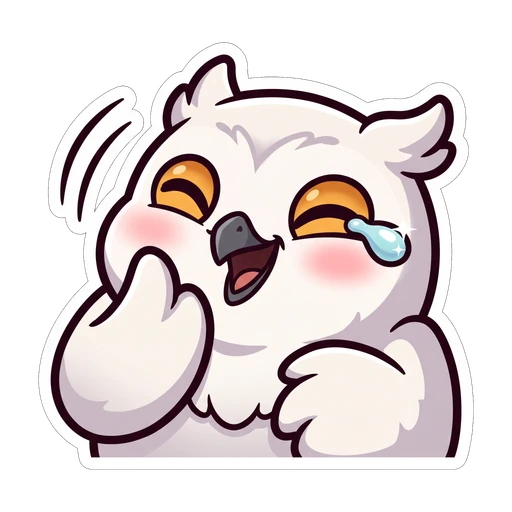
Three looks that follow those rules. These are our own presets — shown as examples, not as a recommendation. Copy the thinking, not the art: heavy outline, flat colour, big shapes.
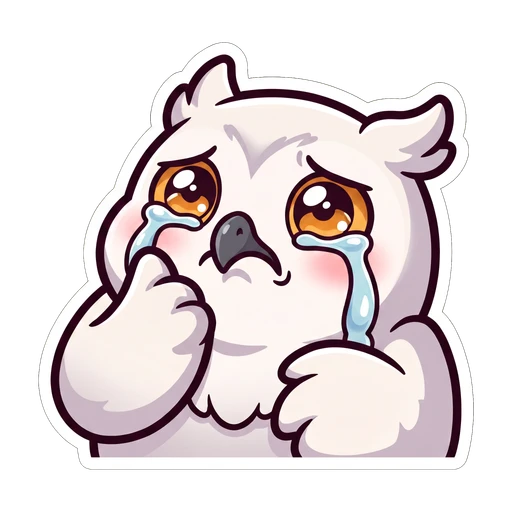
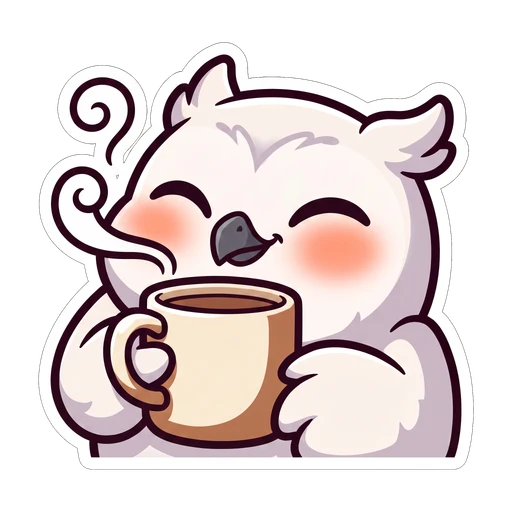
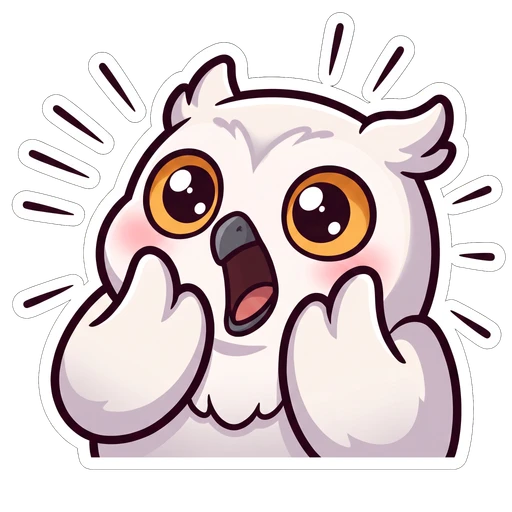

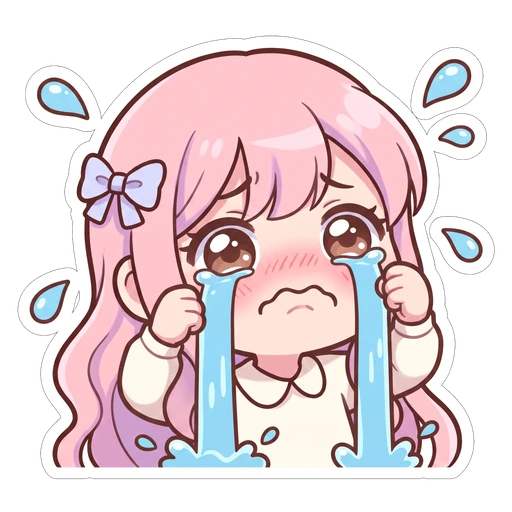
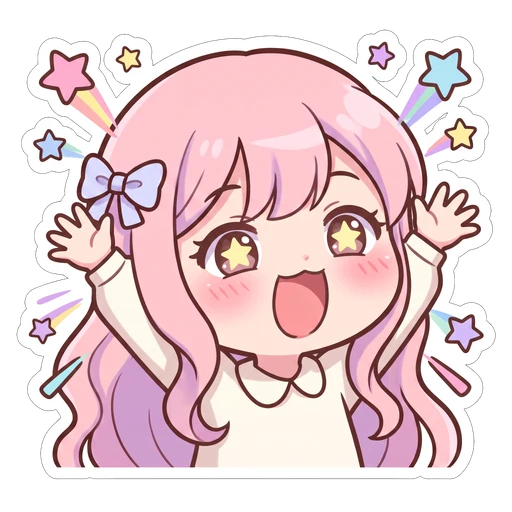
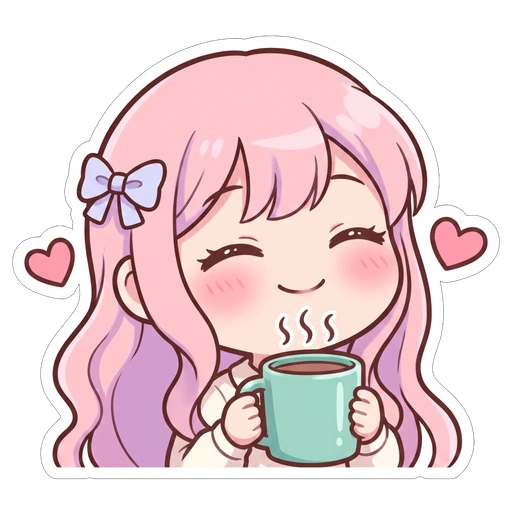
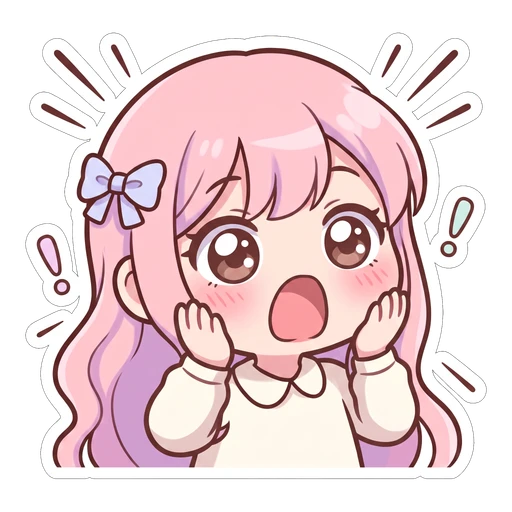
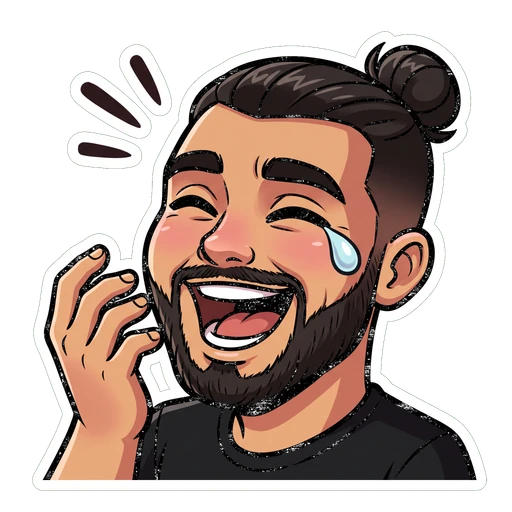
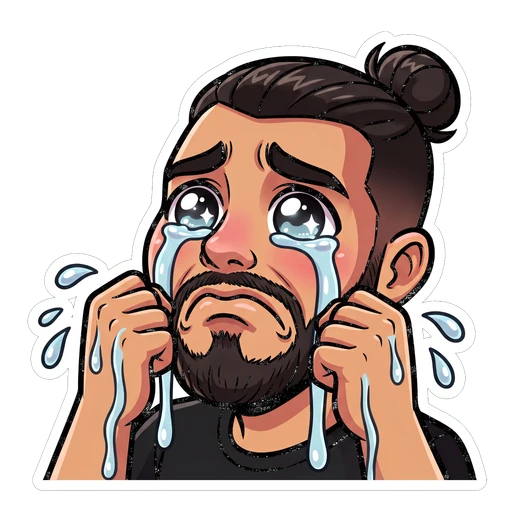
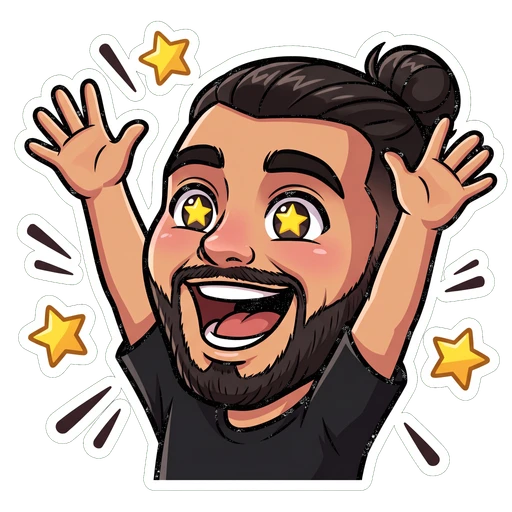
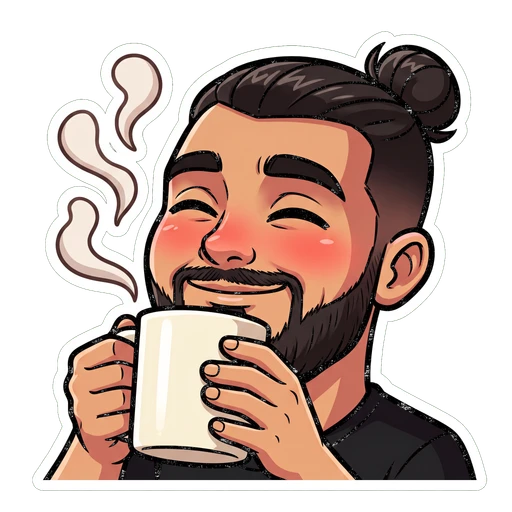

Choose the reactions chat actually types
You don't need twelve emotes. You need the five or six moments that come up every stream, drawn well.
| Reaction | When it gets spammed | Draw it as |
|---|---|---|
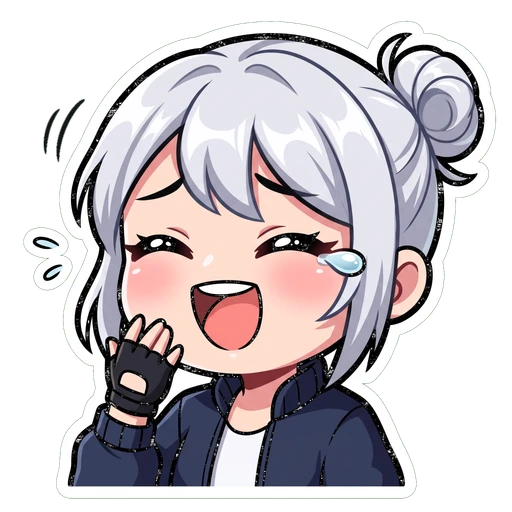
| wheeze | Something genuinely funny happened | Eyes squeezed shut, mouth wide |
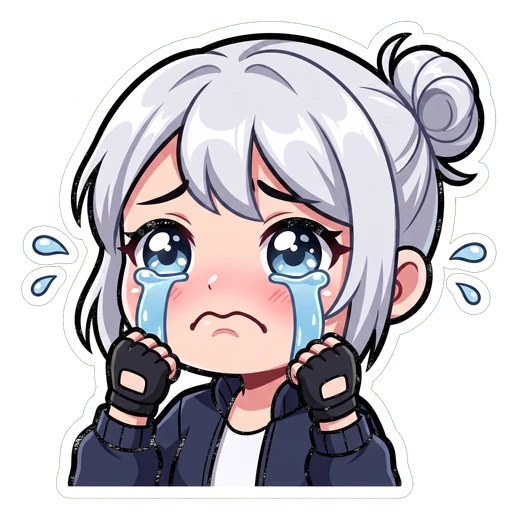
| cry | A loss, a sad story, fake sympathy | Big glassy eyes, one visible tear |
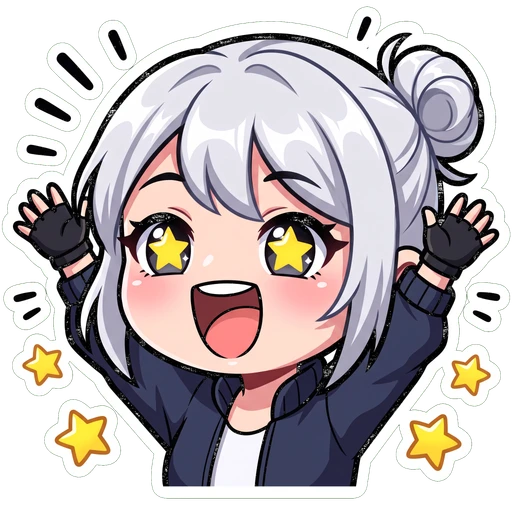
| hype | A win, a raid, a big sub | Arms up, mouth open, motion lines |
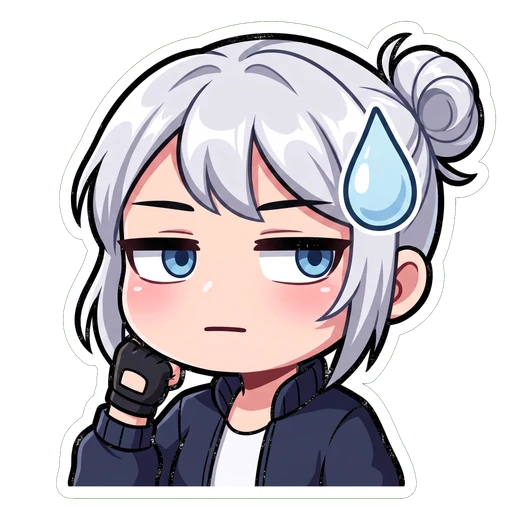
| side-eye | A questionable take, a suspicious clip | Eyes hard to one side, flat mouth |
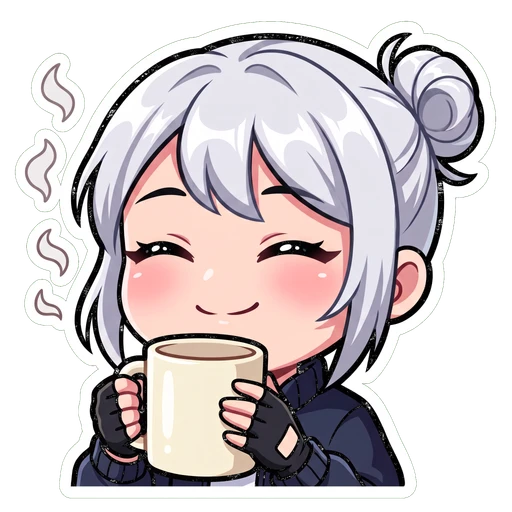
| comfy | Chill stream, just chatting | Half-closed eyes, mug or blanket |
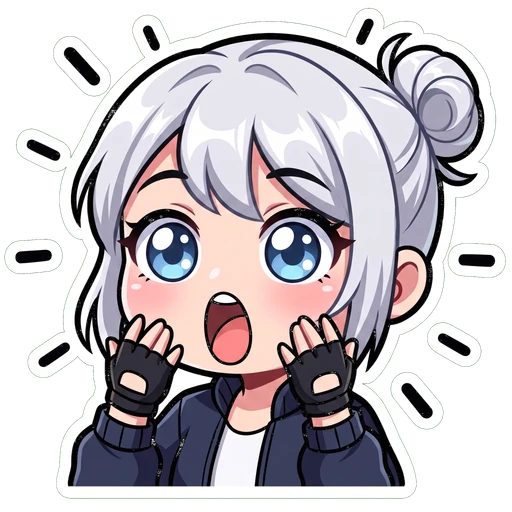
| pog | Something genuinely shocking | Circle mouth, eyes wide |
Naming them
- Affiliates and Partners get an emote prefix — usually a short version of your channel name. Every emote starts with it.
- The convention is prefix plus one capitalised word, no spaces:
kiraLUL,kiraCRY,kiraPOG. - Keep them short. Someone has to type it mid-conversation. An emote nobody can remember is an emote nobody uses.
Cut out the background, then export
Transparency isn't optional. Twitch chat has a dark theme and a light theme, and an emote with a background is a coloured rectangle on at least one of them.
Three things go wrong at this step, over and over:
- Saving as JPG. JPG has no transparency, so your cutout arrives as a white square. It also softens the edges you worked on.
- A pale halo.Cutting round the edge too bluntly leaves a thin rim of old background stuck to your emote. Invisible on white. Very obvious on Twitch's dark theme.
- Off-white instead of nothing."Looks white" and "is transparent" are different things. Check it against a dark background before you upload.
Then save the square PNG. Give Twitch the biggest clean copy you have — shrinking a large picture goes better than blowing up a small one.
- Drawing it? Keep the character on its own layer from the very start. Never flatten onto white — magic-wanding it back out later is exactly where halos come from.
- Commissioning? Ask for transparent PNGs explicitly, at the largest size the artist works at. "A PNG" on its own gets you a white background surprisingly often.
Upload to Twitch
Five minutes, once your files are right.
- 1Open the Creator Dashboard
From your avatar menu on twitch.tv, then find Viewer Rewards → Emotes in the left sidebar.
- 2Choose which kind of emote
Subscriber emotes are split by tier, and there are separate slots for follower emotes and Bits emotes. Tier 1 is the one your subs see most.
- 3Upload the square PNG
Drop in one file per emote. Twitch generates the 56 and 28 versions and shows you a preview of each before you commit.
- 4Name it with your prefix
Your prefix is filled in already — add the rest. Names are case-sensitive and have to be unique across all of Twitch, so short obvious ones are often taken.
- 5Check the small preview, then submit
Twitch shows you the 28px version right there. If you can't tell what it is in that little box, neither can your chat — go back now, not after you've submitted.
Does it survive 28 pixels?
Here are three emotes at full size, then the same three inline in chat at 28px. Flip the theme — the light one is where weak emotes fall apart, and almost nobody checks it.
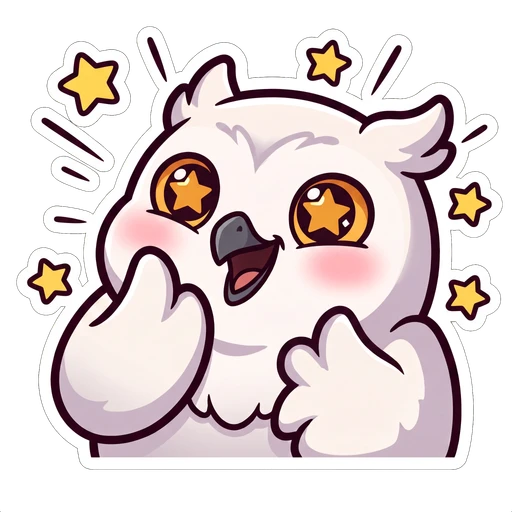
Chunky shape, strong light and dark, one clear expression. Still an owl yelling at 28px.
Nothing anchors the edge, so on a light background it dissolves into the chat entirely.
A whole character at 28px means the face is about four pixels tall. Crop to the head.
What gets an emote rejected
Twitch reviews emotes against its community guidelines. Most rejections are one of a handful of things.
Rejected
- Copyrighted characters, logos or brand marks
- Real people who haven't agreed to it
- Nudity, sexual content or gore
- Hate symbols, slurs, or dog-whistle imagery
- Drugs, alcohol branding or gambling references
- Anything designed to mislead — fake badges, fake system messages
Fine, and often assumed not to be
- Text inside an emote, as long as there's a subject too
- Your own face, your pet, your original character
- A genre aesthetic — dark fantasy, 90s anime, chunky sticker
- Mild rude gestures, depending on context
- Emotes made with an emote maker, as long as you have the rights to the output
The same emotes on Discord and 7TV
A transparent square PNG is a transparent square PNG. Once you have a set, it travels — the platforms just show it at different sizes.
| Where | Upload at | Shown at |
|---|---|---|
| Twitch | 112px square | 28px inline in chat |
| Discord | 128px square | 22px inline, 48px on its own |
| 7TV | Up to 1024px | Scales to the viewer's chat setting |
| BetterTTV | 112px square | 28px inline |
Discord is the one worth planning for. Emoji get used as reactions far more than they get typed, and a reaction is shown at about 16 pixels — smaller than anything Twitch will ever show. The Discord guide covers the slots and sizes →
Questions people actually ask
Keep going
Drop in one image, get 112, 56 and 28px back with transparency intact. No account, no watermark.
112×112, 56×56, 28×28 — the three sizes Twitch asks for, where each one actually shows up, and the file rules that get uploads rejected.
72×72, 36×36 and 18×18 — the three sizes every Twitch sub badge needs, the 25KB cap, and a free tool that makes all three from one image.
The four requirements, roughly how long they take, and the emote slots waiting on the other side.
Rather not
draw it yourself?
On Air Kit is ours, and it's the third of those three routes. Pick a style, describe your character or attach a photo, and you get a matching set back — cut out, and already exported at 112, 56 and 28. There's a walkthrough if you'd rather read first.