Three sizes, from one drop
Whatever you dropped into the tool above just went through the same four steps. Here's exactly what happened to it — and the three sizes it handed back, shown at their real pixel dimensions, not blown up for the screenshot.
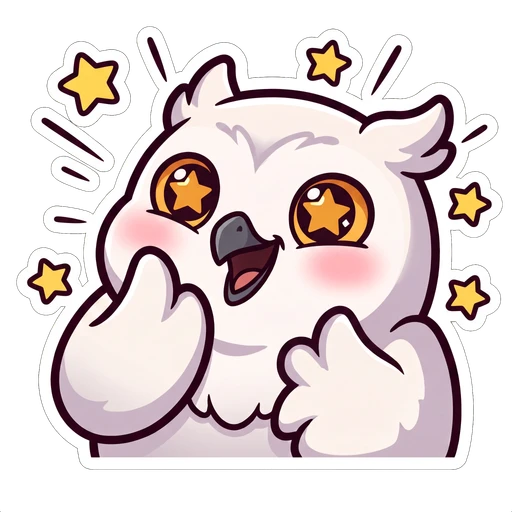
Shown at true size. That smallest one is what most of your chat sees, most of the time.
- Crop and reposition — most uploaded art isn't already a perfect square
- A stepped, high-quality downscale, so 28px doesn't turn to mush
- Transparency preserved end to end — no background ever gets baked in
- A real chat mock so you see the exact file before you upload it
Why three sizes, not one
Twitch shows the same emote at three genuinely different scales, and the one almost nobody designs for — 28px — is the one nearly every view actually happens at.
| Size | Shows up in | What to check |
|---|---|---|
| 112 × 112 | Emote picker and the emote management page | Edges should stay clean at full size |
| 56 × 56 | Some chat clients and mobile layouts | The size almost nobody previews |
| 28 × 28 | Live chat, inline in every message | The expression has to read instantly |
Why it's safe to use on art nobody's seen yet
There's no server call anywhere in this. Everything — the crop, the resize, the export — happens in a canvas element your browser already has.
That's not a privacy policy, it's the architecture: this page never sends your file anywhere, so there's nothing to promise not to keep. Close the tab and it's gone, same as it would be if you'd never opened it.
- Canvas-only resizing — no upload, no server round trip
- PNG in, PNG out, transparency untouched the whole way
- No sign-up, and no cap on how many images or how many times
- No watermark, ever, on anything you download
Get a sharper 28px result
The resizer can only work with what you hand it. Three things make most of the difference between a crisp result and a soft one.
- Start from art bigger than 112px — shrinking a large image looks better than blowing up a small one
- Crop tight to the face or the one shape that reads the emotion
- Use 'fit whole image' if your art already has breathing room, so it doesn't get cropped oddly
- Upload a JPG if you need transparency — JPG has none, so a background box follows the emote around
- Trust the picker-size preview alone — always check the 28px card before you upload anywhere
- Assume a busy design will simplify itself at small size — simplify it yourself first
Questions people actually ask
Keep going
The sizes, the file rules, and the design decisions that separate an emote people spam from one nobody can make out. Draw it, commission it or use a maker — this covers all three.
112×112, 56×56, 28×28 — the three sizes Twitch asks for, where each one actually shows up, and the file rules that get uploads rejected.
72×72, 36×36 and 18×18 — the three sizes every Twitch sub badge needs, the 25KB cap, and a free tool that makes all three from one image.
The four requirements, roughly how long they take, and the emote slots waiting on the other side.
One emote resized.
Want a whole set?
This tool fixes the sizing on art you already have. On Air Kit makes the art too — describe your character or attach a photo, pick a look, and get a matching set back already cut out and sized for Twitch and Discord.