Static stickers: PNG or WEBP, 512px on the long side
The one rule almost every other sticker guide gets slightly wrong: Telegram doesn't ask for a flat square. It asks for one side at exactly 512 pixels, and the other at 512 or less — so a tall or wide character keeps its own proportions.
| Rule | Value | Notes |
|---|---|---|
| Dimensions | One side = 512px, other ≤ 512px | Not a fixed square — proportions can differ |
| Format | PNG or WEBP | Real transparency required |
| Background | Transparent | Telegram recommends a thin white stroke + soft shadow so the art stays visible on any chat background |
| Pack size | Up to 120 stickers | Documented ceiling for a regular or mask sticker set |
Animated stickers: .TGS, not a GIF
An animated Telegram sticker isn't a video and isn't an animated PNG. It's .TGS — a compressed Lottie file, storing vector motion data rather than pixels — which is the whole reason the file-size cap below looks so small.
| Rule | Value |
|---|---|
| Canvas | 512 × 512 px |
| Duration | Up to 3 seconds |
| Frame rate | 60 frames per second |
| Max file size | 64KB after rendering |
| Looping | Required |
64KB sounds impossibly small next to a 256KB video sticker below, and it is — for a video. It's roomy for vector data, because a .TGS file stores the shapes and the motion instructions, not a sequence of finished frames. The tradeoff is tool support: several effects common in motion-design software — 3D layers, gradient strokes, merged paths, auto-oriented layers, and a handful of others Telegram lists explicitly — aren't supported in the format at all.
Video stickers: .WEBM, VP9, no audio
Real video frames rather than vector data, which is why the file-size ceiling is four times looser than an animated sticker's — and why it needs a specific codec rather than accepting any video file you export.
| Rule | Value |
|---|---|
| Dimensions | One side = 512px, other ≤ 512px |
| Emoji-style preview | 100 × 100 px, a separate smaller render |
| Duration | Up to 3 seconds |
| Frame rate | Up to 30 frames per second |
| Max file size | 256KB |
| Codec | VP9 |
| Audio | Must have no audio track at all |
| Looping | Recommended, not required |
Notice this is the only one of the three formats where looping is a suggestion rather than a rule — a one-shot animation (a wink, a single nod) is a legitimate video sticker in a way it wouldn't be for a .TGS pack.
From finished art to a working sticker pack
Design one character across a set of expressions, export each at spec, then hand the files to Telegram's own bot.
- 1Design one character across a set of expressions
A pack that reads as a pack is one character shown many ways — a reaction to almost anything, not six unrelated pictures. Draw it, commission it, or generate it.
- 2Export each one as a transparent PNG or WEBP
One side has to be exactly 512 pixels, the other 512 or smaller — never both under 512, and never a plain rectangle with no transparency.
- 3Message @Stickers inside Telegram
Telegram's own bot handles pack creation. Tell it whether you're making a static, animated (.TGS) or video (.WEBM) pack, and follow its prompts to upload each file.
- 4Give each sticker an emoji and the pack a name
Every sticker gets a suggested emoji so it turns up under the right search. The pack itself gets a short name Telegram uses to build its shareable link.
- 5Share the link, or just send one
Every finished pack gets its own t.me/addstickers/<name> link. Sending someone a single sticker from it works too — they can tap it to add the whole set.
- Export each sticker at exactly 512px on its longer side, transparent background
- Keep one recurring character across the whole pack — that's what makes it read as a set
- Use @Stickers when you're bringing in art already sized to spec
- Pick static, animated or video up front — they're different files, not a toggle
- Assume the in-app editor's auto-crop replaces sizing it properly for a whole set
- Upload a plain rectangle with no transparency and expect it to look right
- Treat a .TGS file size cap and a .WEBM one as interchangeable — they're not
- Skip assigning an emoji to each sticker — it's how people actually find yours
What it actually looks like sent — and how people get it
A sticker sits directly on the chat, no bubble behind it — and getting the whole pack is a tap, not a download.
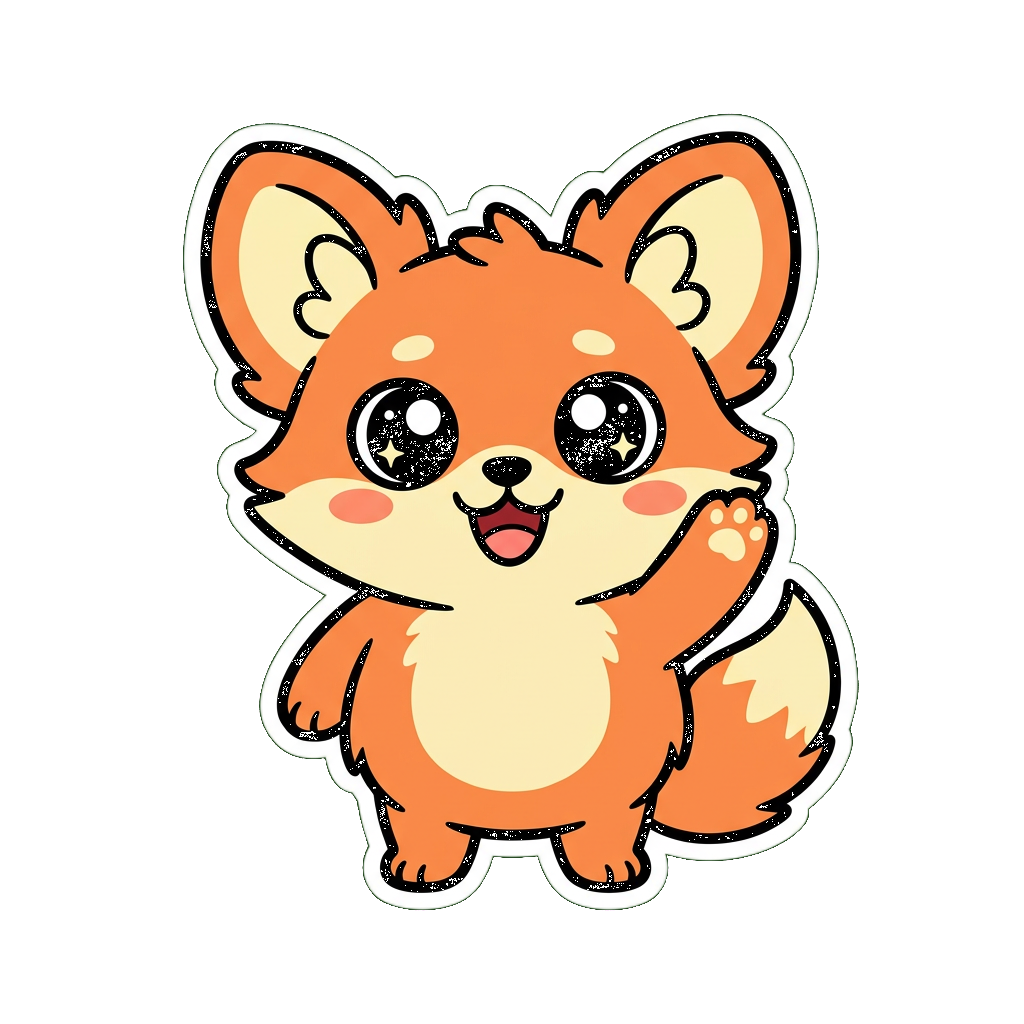
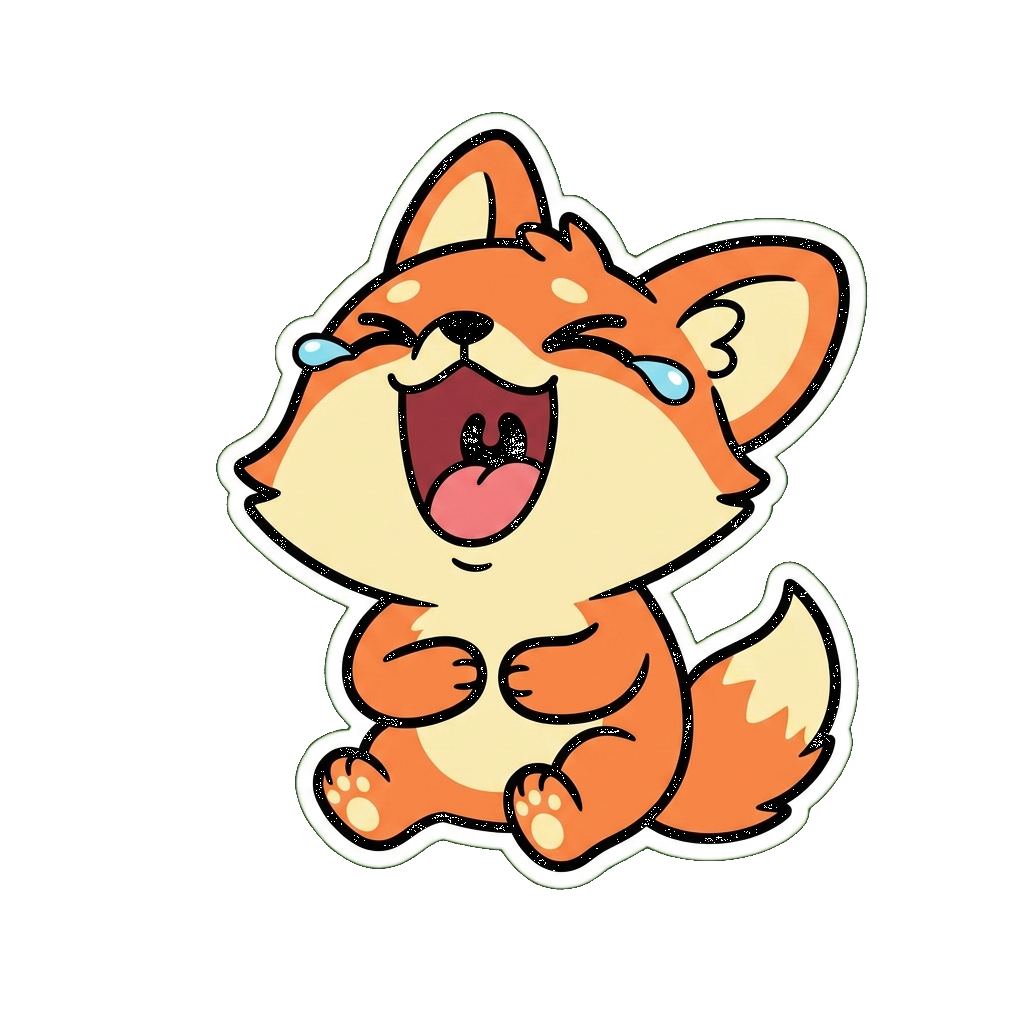
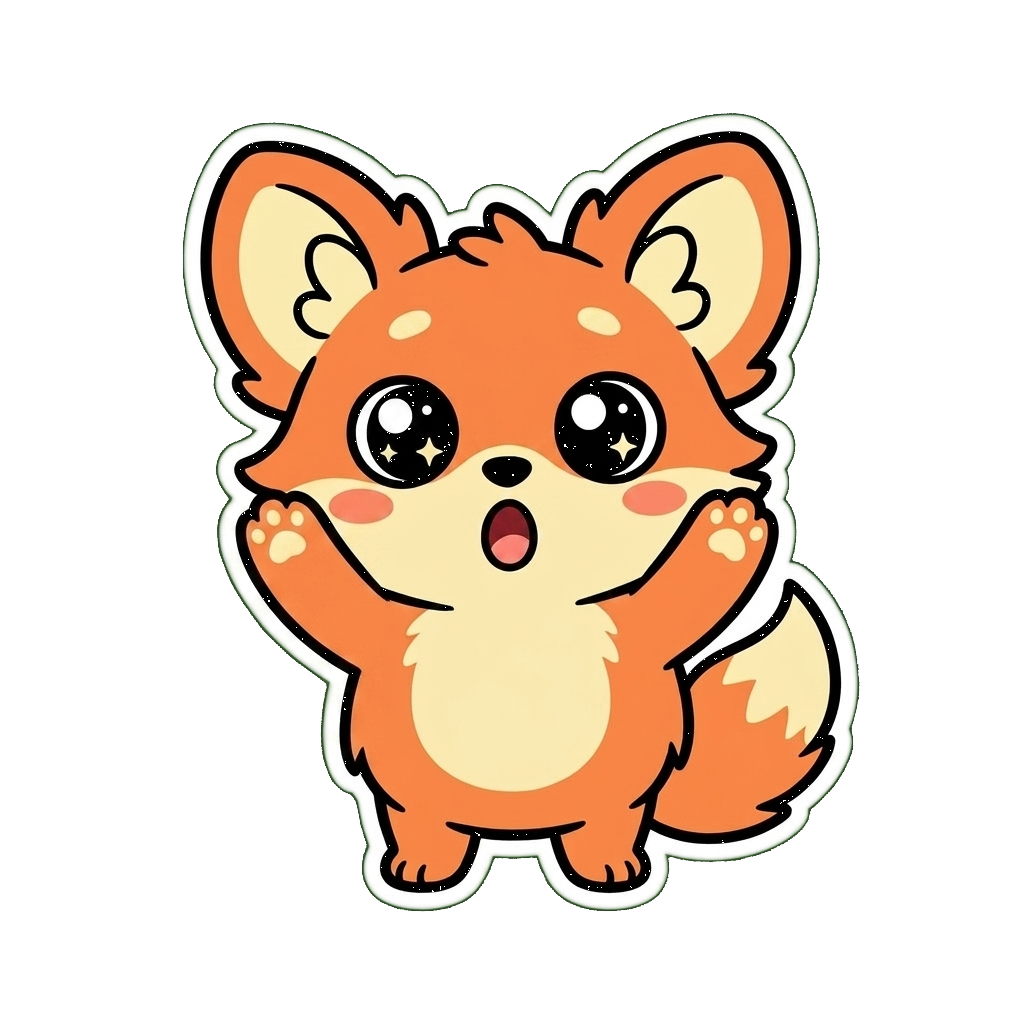
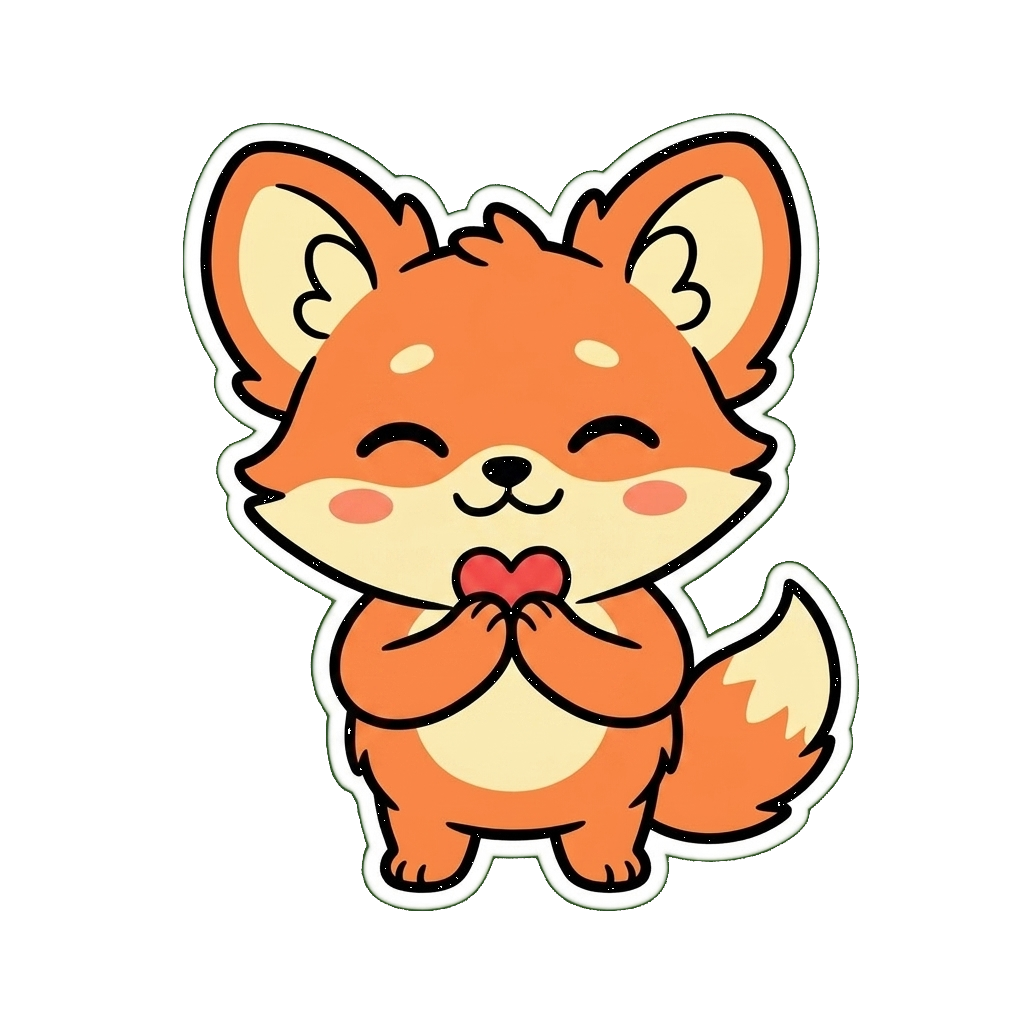
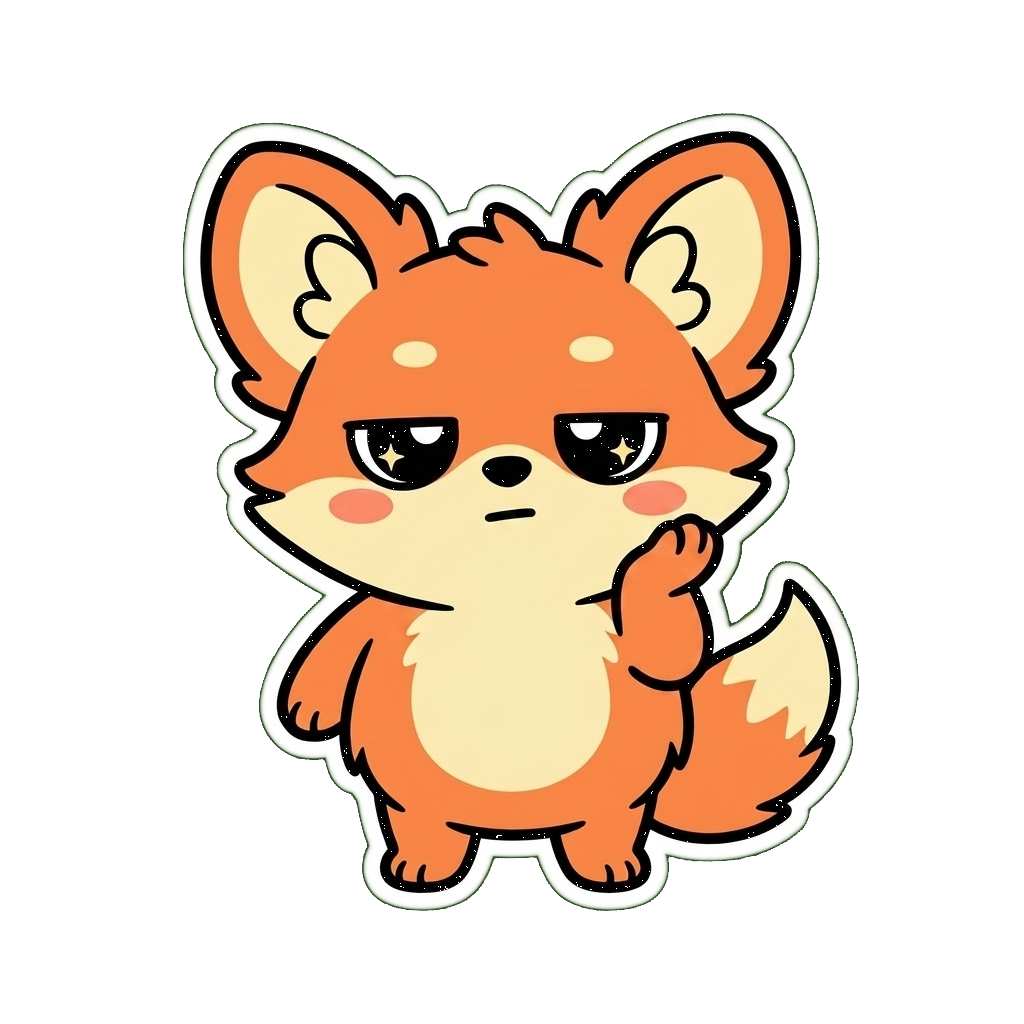
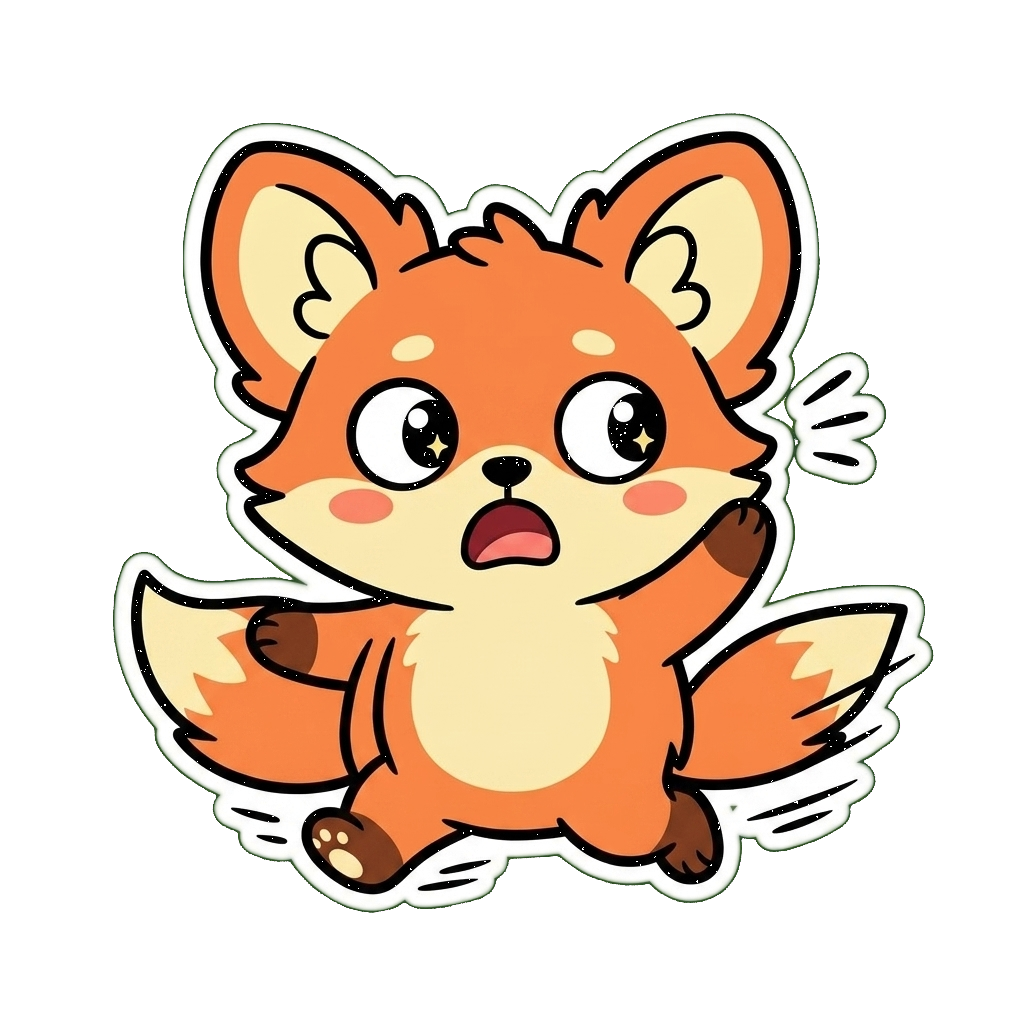
Every finished pack gets its own link — t.me/addstickers/<name> — built from the short name you give it while creating the pack. But most packs spread without anyone touching that link at all: send someone a single sticker from it in any chat, and Telegram lets them tap that one sticker to add the whole pack for themselves.
Questions people actually ask
Keep going
128px, 256KB — a flat square rather than Telegram's one-side-512 rule. Useful if you're building for both.
128px, and a tighter 128KB file cap than Discord's — another platform, another set of numbers to check before you export.
How the maker actually works, screen by screen — pick a look, describe your character, keep the ones you like.
Already have a character?
Generate the whole set once.
On Air Kit turns one description or photo into a matching set of transparent images — the same 512px-friendly export this page just walked through, ready to hand to @Stickers. No pressure either way: everything above works whether you draw it, commission it, or generate it here.