Discord Emoji Maker
Describe a character, or attach a photo, and get custom Discord emoji back — cut out, transparent, and sized to Discord's 128px.
From a sentence — or a selfie — to a finished emoji
Four steps, and the last one is the only one that asks for anything.
- 1Describe your character, or attach a photo
Say what they look like, or drop in a clear photo — either one is enough to start, and no account is needed for this part.
- 2Pick a look
Choose one of the ready-made styles, or leave it freeform. Whichever you pick rides along as a reference, so your character comes back wearing it.
- 3Choose the reactions your server actually uses
wheeze, hype, side-eye, pog, and a dozen more — pick as many as belong in one set.
- 4Generate, then download
One quick click connects an account so the set has somewhere to live, then it comes back cut out and sized for Discord and Twitch at once.
One set, every size Discord — and Twitch — actually wants
No separate export step. Every generation comes back already cut to the sizes each platform expects.
| Asset | Size | File cap | Notes |
|---|---|---|---|
| Discord emoji | 128 × 128 px | 256KB | Upload straight into Server Settings → Emoji |
| Discord sticker | the full-size original | 512KB | Well above the 320×320 minimum — Discord resizes it on upload |
| Twitch emote | 112 · 56 · 28 px | — | Same character, same set, three sizes at once |
Nothing to paste into
Most of what shows up for “discord emoji maker” is a shape you fill in yourself.
A template site hands you a blank emoji-shaped canvas and a sticker library to drag from. That's fine if the art already exists — it's not much help if it doesn't.
This one draws the character, from a description or a photo, in whichever look you pick. There's no clip art underneath it and no template you're filling in — the six, or sixteen, reactions you end up with are all of the one character you described. The result is a custom emoji pack built around that one character, not assembled from a shared clip-art library.
Judge it at 16 pixels, not the picker
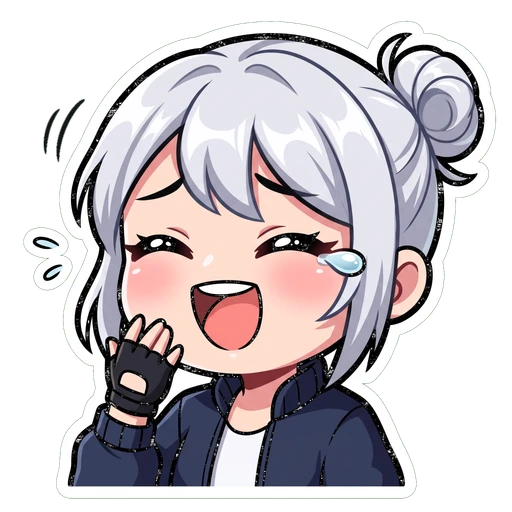
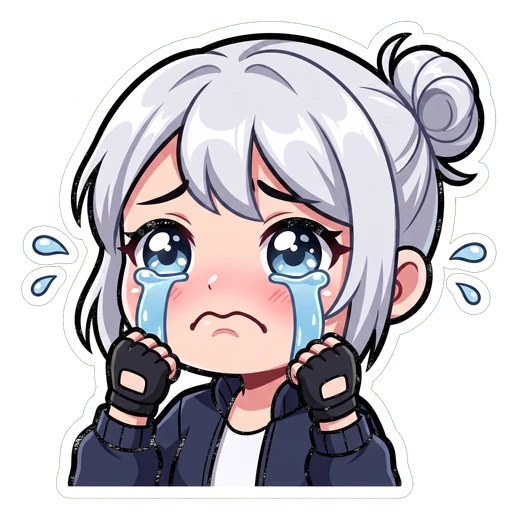
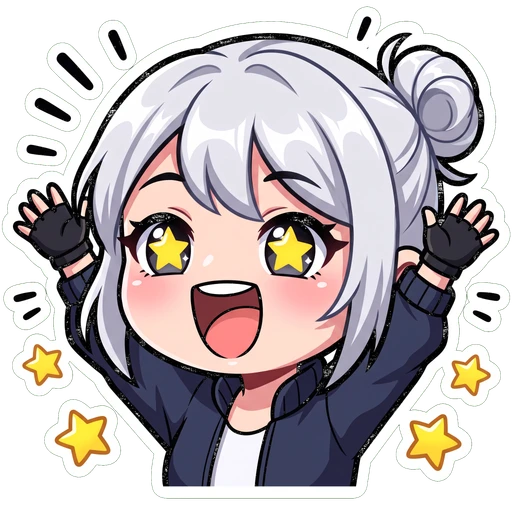
Discord shows a custom emoji at roughly 22px inline and 16px as a reaction — the smallest either platform ever renders your art at. This is real output from the maker above, shown at that size.
 432
432Questions people actually ask
Keep going
The full walkthrough — sizes, slots, and the style choices that survive a 16px reaction pill.
Already have art? Resize it to Discord's emoji, avatar, server icon or banner size for free.
128px minimum, 512px to actually upload — plus the circular crop that catches people out.
512×512, shown as a circle in the server list, no boost required.