Discord Icon Maker
Describe a character, or attach a photo, and get a custom Discord icon back — a server icon, a profile picture, or small square art for a role. Cut out, transparent, no template underneath it.
From a sentence — or a selfie — to a finished icon
Four steps. Only the last one asks for anything, and only once you've seen the set.
- 1Describe your character, or attach a photo
A mascot, an original character, or yourself — either a description or a clear photo is enough to start. No account needed for this part.
- 2Pick a look
Every ready-made style carries real reference art, so the look actually transfers rather than being a word you typed.
- 3Keep the one you like
You get a set of reactions, not just one — pick whichever single result reads best as a small square, that's your icon.
- 4Generate, then size it up
One quick sign-in connects an account so the set has somewhere to live. What comes back is already cut out — the free resizer below turns it into a proper 512×512 server icon in one drop.
A character, not a wordmark
Most of what shows up for icon-adjacent Discord searches is a brand-logo tool wearing a Discord skin. This one draws a character instead.
Search a term like discord server icon maker or discord logo maker and the results are template sites: pick a badge shape, drop in a wordmark, choose a font. That's the right tool if you're building a text-based brand mark.
It's not much help if what you actually need is a picture — a mascot, an original character, or yourself — small enough to read as a circle in a server list. This maker draws that character, from a description or a photo, in whichever style you pick. There's no shape to fill in and no lettering unless you ask for it.
A Discord icon is never seen at 512×512 — it's seen at 44
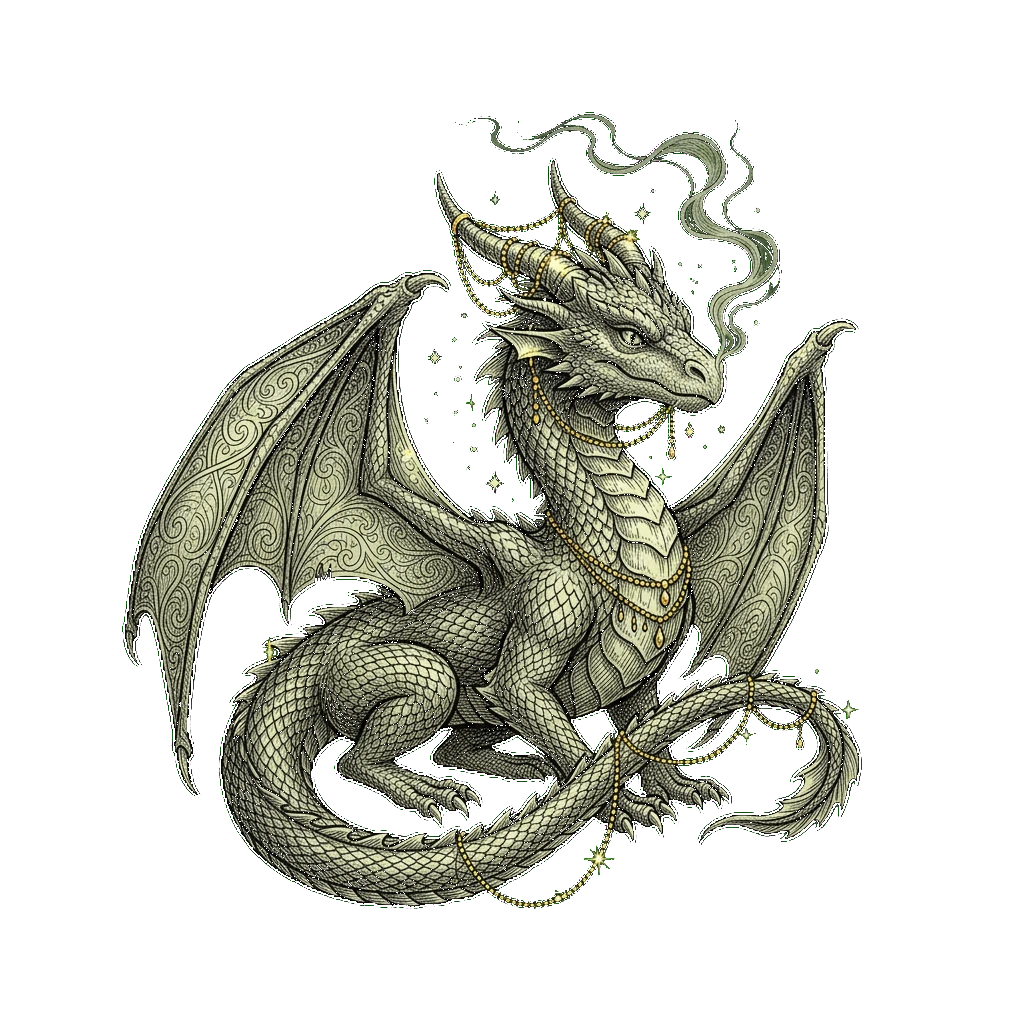
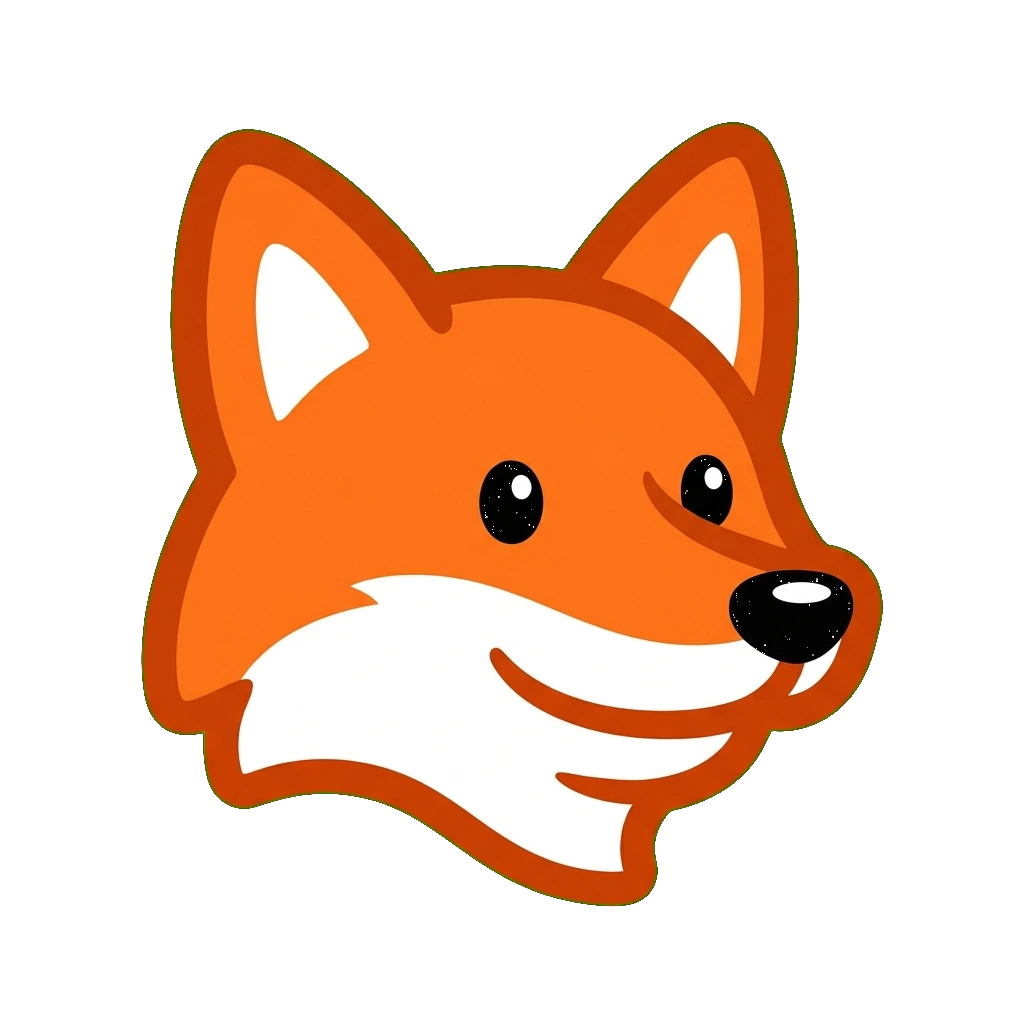
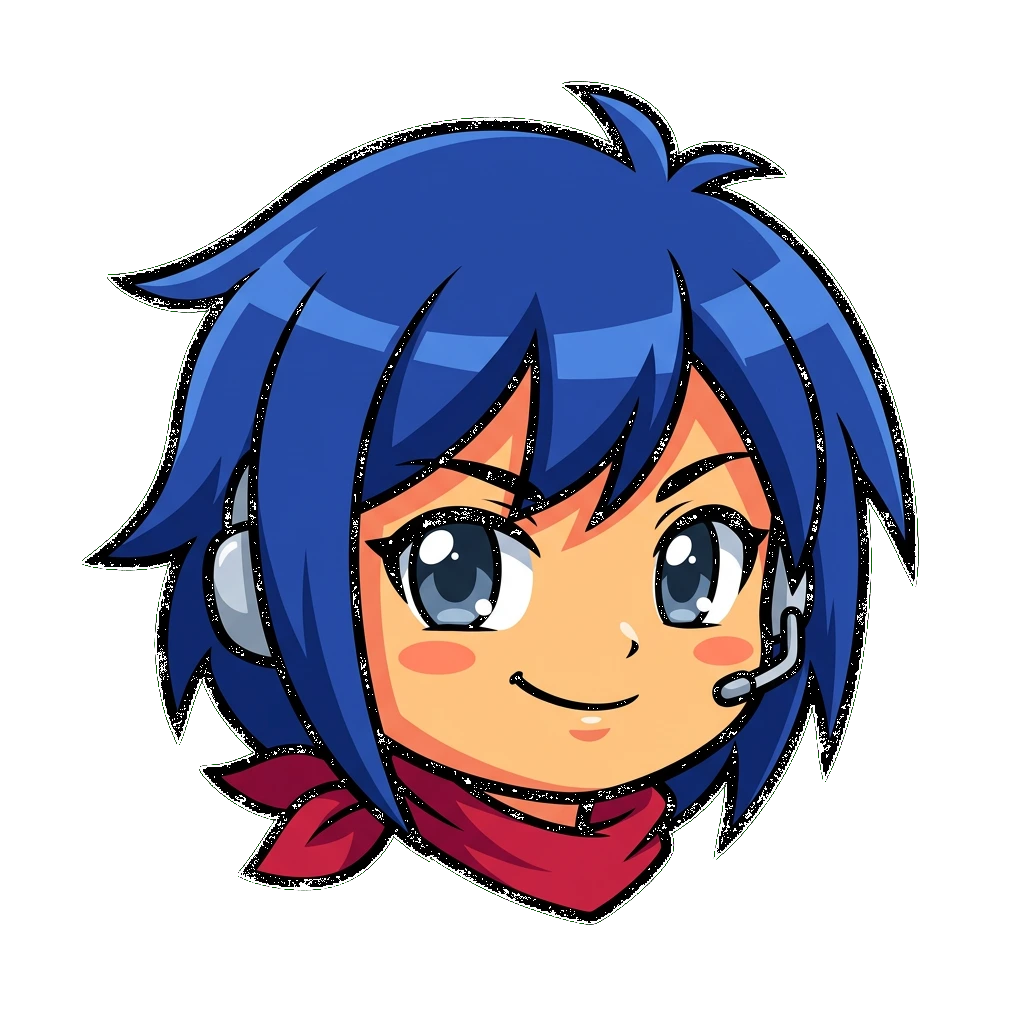
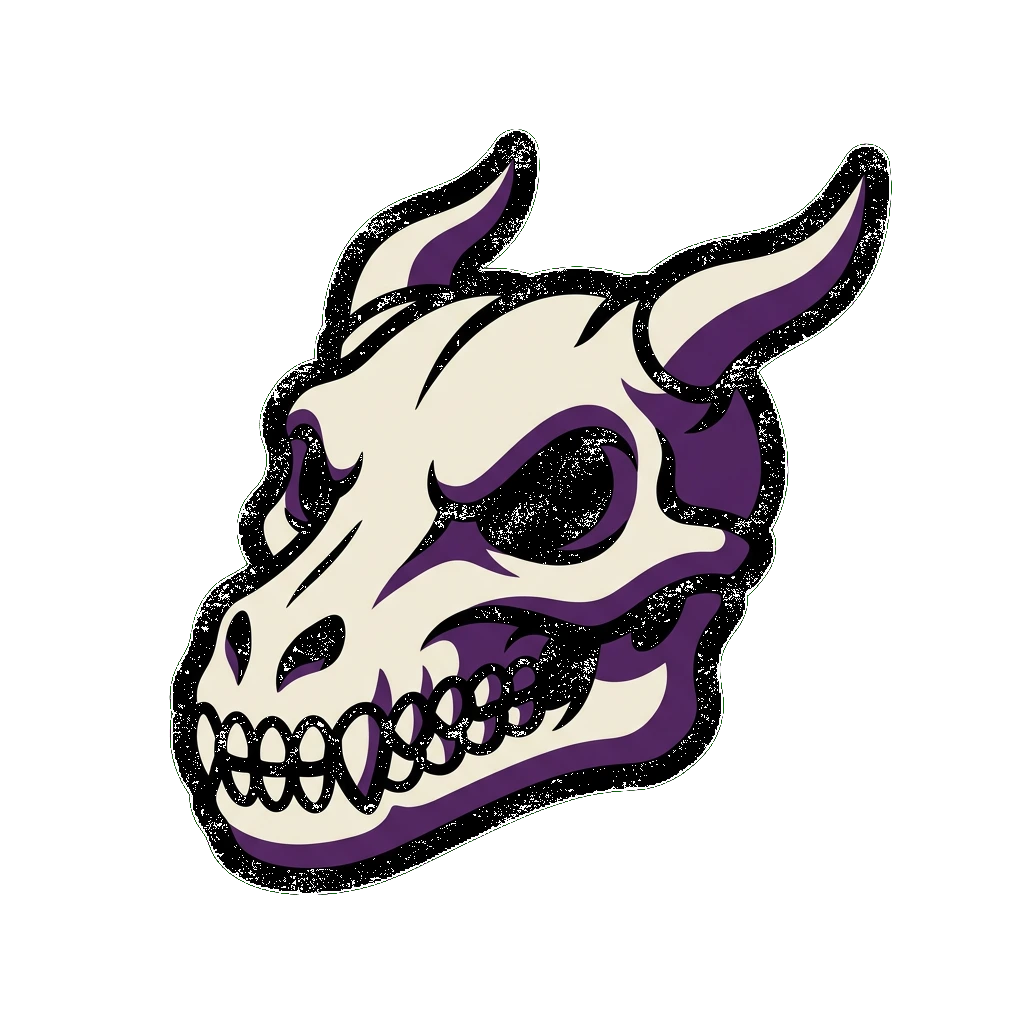
The file you upload is 512×512. What Discord actually shows you, everywhere in the app, is much smaller — and detail that reads fine big turns to mush small. Four real generated icons, same treatment, at the two sizes that matter.
Your server rail — ~44px, the smallest it ever gets shown
Zoomed in — same file, no re-export
This is the actual case for a generated icon over a cropped photo or a too-intricate illustration: it isn't that generated art looks nicer, it's that the maker can be told to keep the shapes bold and the silhouette simple — exactly the thing that survives being shrunk to 44px, and exactly the thing a detailed reference photo usually can't promise.
One result, sized for wherever a Discord icon shows up
No separate export step for the character itself — sizing the result up to a specific Discord icon spec is one extra drop into the free resizer.
A server icon and a profile icon, not a mockup
Same bold-mascot style the maker above produces, dropped into the two places a Discord icon actually renders.
kiraStreams
Online
Questions people actually ask
Keep going
512×512, shown as a circle in your server list, no boost required — the full spec this maker's output already clears.
128px minimum, 512px to actually upload — plus the circular crop that catches people out.
Already have art? Resize it free to Discord's icon, avatar, emoji or banner size — no account, no watermark.
Want the full reaction set, not just one icon? Same tool, framed around every emoji your server actually uses.