Size and file rules
One size, one file cap, and a real transparency requirement if you want it to look right on Discord's dark theme.
| Rule | Value | If you get it wrong |
|---|---|---|
| Dimensions | 320 × 320 (square) | Discord resizes it for you, softer than a clean export |
| Max file size | 512KB | Upload is refused |
| Format | PNG (static) · APNG or GIF (animated) | Lottie (vector) exists but is Verified/Partnered-server only |
| Length, if animated | Up to 5 seconds | Longer clips get rejected or trimmed |
| Background | Transparent | A pale box around the art on Discord's dark theme |
| Tags | One associated emoji, required · a description, optional | Members can't find it while typing a search |
Every figure on this page checks out against both docs.discord.com's developer reference and discord.com/blog's own announcement post — Discord's help-center article on the same topic blocks automated fetching, so those two were used instead, cross-checked against each other rather than taken from one place alone.
What actually makes a sticker different from an emoji
Same idea — custom art you upload to your server — but Discord treats them as two separate systems, not two sizes of one system.
new stickers?? let's see
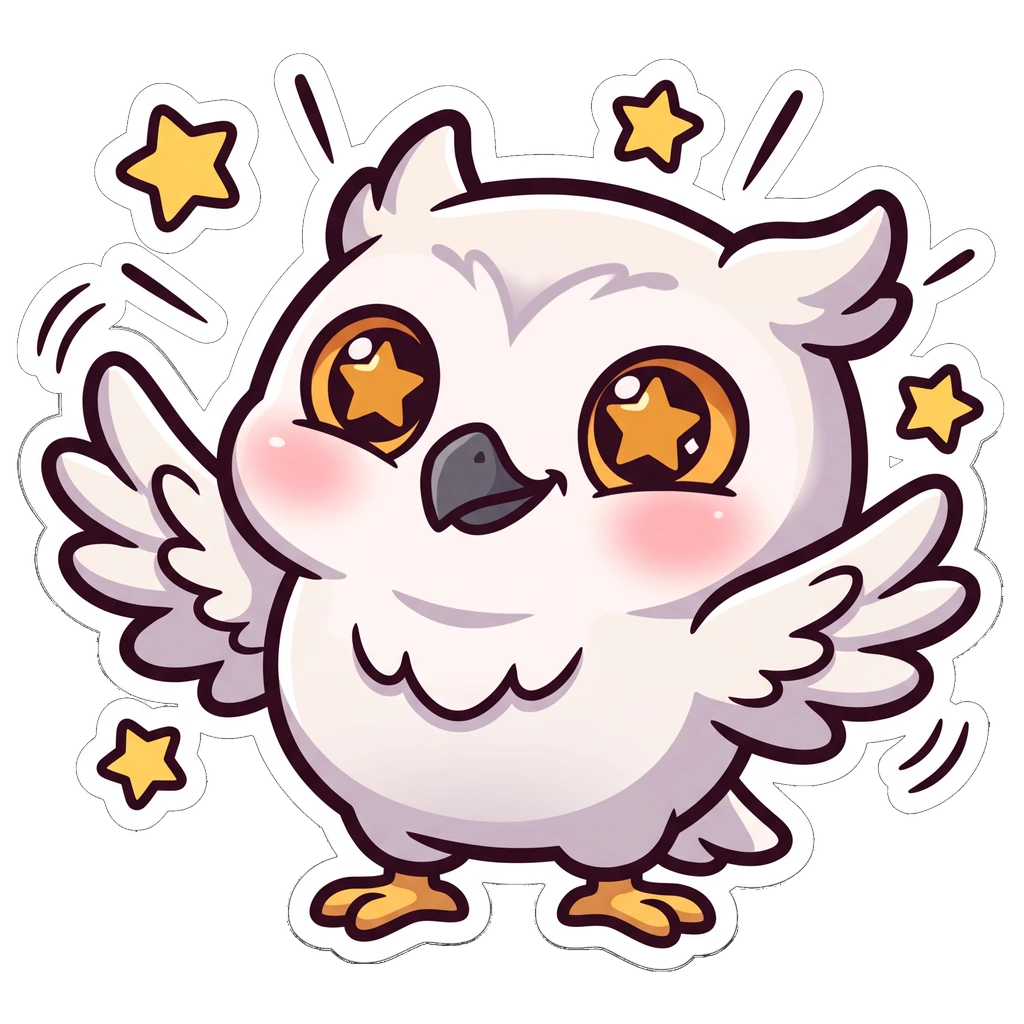
kira_wave
no reaction picker shows up here — stickers don't take reactions
Look at the message above: the sticker sits alone on its own line, rendered close to full size, and there's nowhere to react to it. That's not a UI limitation — stickers genuinely can't be used as reactions on Discord. Reactions are emoji-only, at a fraction of the size.
A sticker set can afford to be a scene, not just a face — the 320px canvas is nearly six times the pixel area of a 128px emoji, and it never has to survive being shrunk to a 16px reaction pill the way an emoji does.
How many stickers your server actually gets
A completely separate pool from emoji — filling your sticker slots doesn't touch your emoji allowance, and vice versa.
| Server level | Sticker slots | Static emoji | Animated emoji |
|---|---|---|---|
| No boosts | 5 | 50 | 50 |
| Level 1 | 15 | 100 | 100 |
| Level 2 | 30 | 150 | 150 |
| Level 3 | 60 | 250 | 250 |
Five sounds tight, and it is — a sticker pool this small means each one has to be something the server actually reaches for, not a one-off joke from a Tuesday.
Pick one subject for the whole sticker set
With only 5 slots to start, a scattered set is more costly here than it is for a 50-slot emoji list.
Your mascot, your face, the server's running joke — whatever it is, it has to recur. A sticker set of one character in six moods reads as a server identity. Six unrelated pictures read as a folder of downloads.
If it's a real face, the same reference-photo rules apply as everywhere else on this site. The Twitch guide shows what a usable photo looks like →
Design for the bigger canvas a sticker gets
An emoji has to survive being crushed to 16 pixels. A sticker never does — so use the room.
- More than just a face. A pose, a prop, a bit of a scene — 320px has room for a whole gesture, not just an expression.
- Still one clear read.Bigger canvas doesn't mean busier — a sticker sent in the middle of a fast-moving conversation still needs to land in half a second.
- Thick outlines still help.Discord's dark chat background is the same one an emoji has to fight — a sticker with no outline can still melt into it, just less often than a tiny emoji would.
Cut out the background, then export at 320
Same rule as an emoji, at a bigger size: a sticker with its background left in looks broken the moment it lands on the dark theme.
- Export as PNG with real transparency — check it against a dark background before uploading
- Square canvas, 320 × 320, with the art nearly filling it
- Under 512KB, which a clean 320px PNG comfortably clears
- Keep the big master file — the same art usually becomes your emoji set too
- Saving as JPG — no transparency, and it softens the outline
- Leaving a pale rim of old background stuck round the edge
- Uploading something under 320px and letting Discord stretch it
- Skipping the associated emoji tag — it's how members find it while typing
Upload it to your server
A shorter form than the emoji one — one file, one required emoji tag, one optional description.
- 1Open Server Settings
Click the server name at the top of the channel list, then Server Settings. Same permission gate as emoji: owner or Manage Expressions.
- 2Go to Stickers
It sits next to Emoji and Soundboard in the left sidebar — three separate systems, three separate slot pools.
- 3Upload Sticker
Pick your file. Discord checks the size and format here — 320×320, under 512KB.
- 4Tag it with an emoji and name it
The associated emoji is required — it's what Discord's picker and its colon type-ahead both key off. The description is optional but helps search.
- 5Send it once to check it
Type the sticker's name with a colon, or open the sticker picker — that's the real size members will see, not a preview thumbnail.
Animated stickers: APNG, GIF, and the Lottie catch
The same upload flow, with one extra format wrinkle worth knowing before you build a whole set around it.
| Format | Who can use it | Notes |
|---|---|---|
| APNG | Every server | The most common route for a hand-made animated sticker |
| GIF | Every server | Also accepted directly by Discord's own spec |
| Lottie (vector) | Verified / Partnered servers only | Discord's own official stickers use this; a regular community server can't upload one |
Every animated sticker is capped at 5 seconds, regardless of format. For almost every server, that means the real choice is APNG or GIF — Lottie is worth knowing about mainly so a "why won't this upload" moment makes sense later.
Where a sticker actually shows up
Unlike an emoji's four contexts, a sticker only ever appears one way: sent on its own, at close to full size.
| Emoji | Sticker | |
|---|---|---|
| Upload size | 128 × 128 | 320 × 320 |
| File cap | 256KB | 512KB |
| Sent inline with text | Yes | Never — its own message |
| Usable as a reaction | Yes — this is most of its use | No, never |
| Starting slots | 50 static + 50 animated | 5 |
| Animated format | GIF | APNG or GIF (Lottie: Verified/Partnered only) |
Questions people actually ask
Keep going
128×128, 256KB, and how many slots your server really has. How to make a set that still reads at 16 pixels — which is how small a reaction actually gets.
Drop in one image, pick emoji, avatar, server icon or banner, and get the correct Discord size back with transparency intact. No account, no watermark.
Server banners and profile banners are two different assets with two different aspect ratios. Both specs, both unlock requirements, in one place.
128px is the minimum Discord accepts. 512px is the size you should actually upload. Two different numbers, plus the circular crop and the animated-GIF rule.
The art,
not the upload form.
On Air Kit is our own emote maker. Describe your character or attach a photo, pick a look, and the set comes back cut out, transparent, and well above Discord's 320×320 sticker floor — so there's nothing left to resize before you upload it as a sticker, an emoji, or both.