Free reward icon resizer
Drop in one icon image. Crop or fit, then download all three required sizes — 112, 56 and 28px — transparent, one at a time or all three as a zip.
- Crop and reposition, or keep the whole image with transparent padding
- A stepped, high-quality downscale, so 28px doesn't turn to mush
- A real rewards-panel mock, so you see the exact icon before you upload it
- No account, no watermark, nothing leaves your browser
The three sizes
Three sizes, one format. The same crop Twitch already uses for emotes, reused for a different surface.
| Size | Density | What it's for |
|---|---|---|
| 112 × 112 | 4x | Reward picker and edit screen in the Creator Dashboard |
| 56 × 56 | 2x | Higher-density rendering of the same icon |
| 28 × 28 | 1x | The rewards panel viewers actually open to redeem |
| Rule | Value | Note |
|---|---|---|
| Format | PNG, static only | No animated reward icons — emote-only on Twitch |
| Background | Transparent | A coloured box behind the icon otherwise |
| Shape | Square | A rectangle isn't accepted |
| Max file size | Not published for this asset | Twitch states 1MB for emotes and 25KB for sub badges; no equivalent number exists for reward icons in its own docs |
Detail that reads fine at 112px often disappears at 28px — and the rewards panel is exactly where most viewers actually look.
One flat shape and a thick outline survive the trip. Six thin lines don't.
Who can actually use Channel Points
This changed in May 2026, and it's more permissive than a lot of what's written about it.
Twitch's own Channel Points Guide states it plainly: Channel Points is available to all monetized streamers, not just Affiliates and Partners. That's part of the same "Monetization for All" change covered in full on our Affiliate guide — the one that also let any streamer switch on custom emotes, Bits and subs without Affiliate status.
Worth flagging because it isn't universally reported yet: some existing how-to guides for Channel Points still say Affiliate or Partner status is required. That was true before May 2026. It isn't anymore.
How many rewards you can actually make
One hard ceiling, confirmed straight from Twitch's own guide and its API reference: 50 custom rewards per channel.
That 50counts every custom reward you've created, whether it's currently enabled or disabled — deleting or disabling an old one frees the slot for a new one. Default rewards (the ones Twitch fills in automatically, like highlighting a message) don't count against it.
Design for 28 pixels first
Same rule as every small Twitch asset: a thick outline, one clear shape, nothing that disappears at chat-scroll speed.
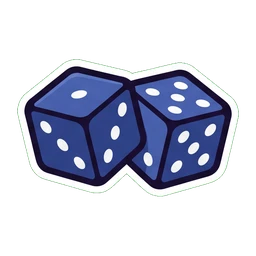
Roll the Dice
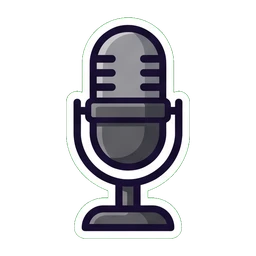
Song Request

Hydrate!
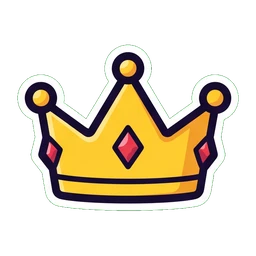
VIP for a Day

Lucky Potion
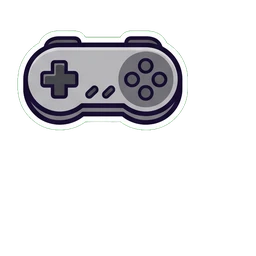
Pick My Next Game
A matched set, not one icon at a time
Fifty possible rewards is a lot of icons to keep consistent by hand, one export at a time.
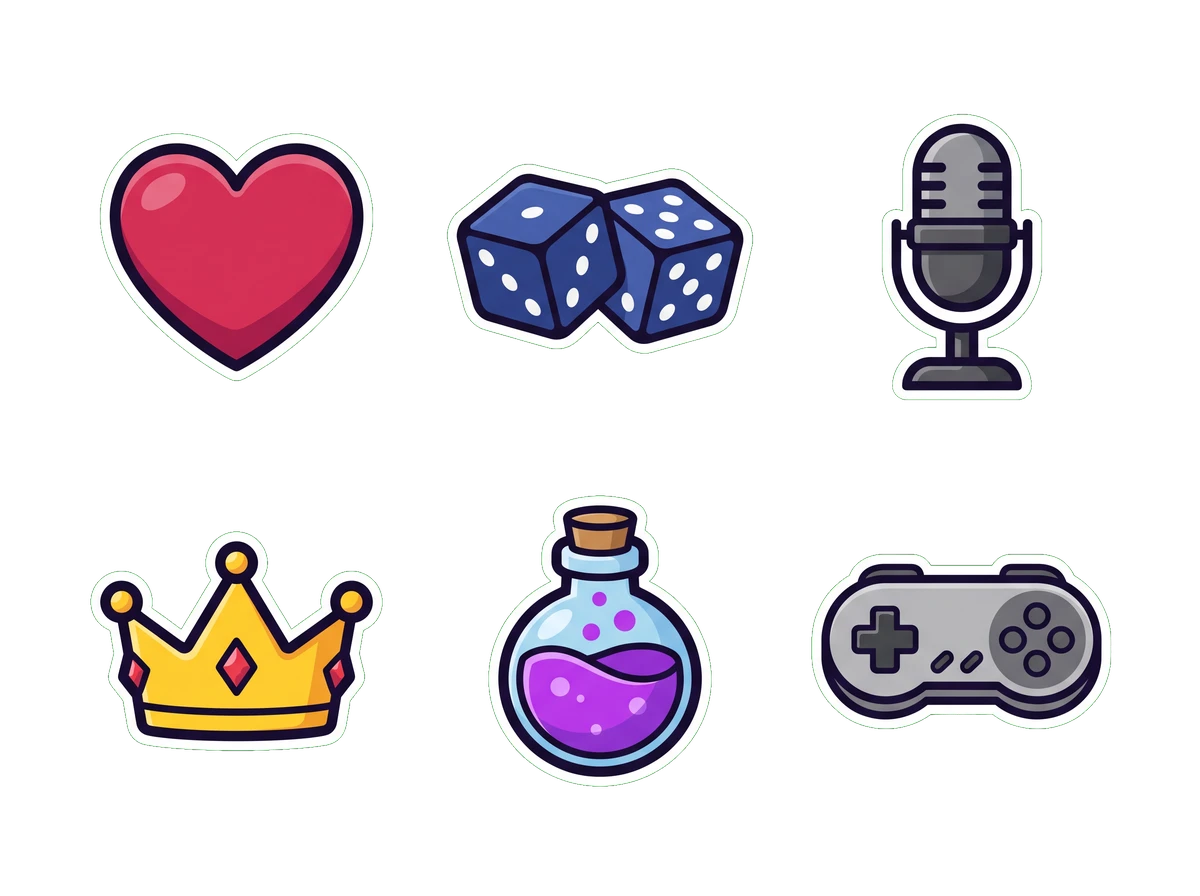
The honest shortcut isn't a bigger icon library — it's one style, applied to every reward you actually want to offer. A heart for a shoutout, dice for a random pick, a mic for a song request: the individual icons above are simple on purpose, and they read as a set because the outline weight and the shading never change between them.
Upload to Twitch
No review queue here, unlike emotes — this is the last check before it's live.
- 1Open the Creator Dashboard
From your avatar menu on twitch.tv, then Viewer Rewards → Channel Points.
- 2Add a new custom reward
Under Manage Rewards, click Add New Custom Reward and give it a clear title and description.
- 3Upload the icon
Drop in your image — Twitch handles the three sizes from there, the same way it does for a badge upload.
- 4Set the cost and any limits
Pick a point cost, and optionally a per-stream cap, a per-user cap, or a cooldown between redemptions.
- 5Check the rewards panel
Open your own channel page and look at the redemption panel a viewer would see. If it doesn't read there, fix it now.
Questions people actually ask
Keep going
The sizes, the file rules, and the design decisions that separate an emote people spam from one nobody can make out. Draw it, commission it or use a maker — this covers all three.
Drop in one image, get 112, 56 and 28px back with transparency intact. No account, no watermark.
112×112, 56×56, 28×28 — the three sizes Twitch asks for, where each one actually shows up, and the file rules that get uploads rejected.
72×72, 36×36 and 18×18 — the three sizes every Twitch sub badge needs, the 25KB cap, and a free tool that makes all three from one image.
Fixed the sizing.
Need a matched set?
The resizer above works on reward art you already have, right now, for free. On Air Kit's emote maker runs the same generation engine, sized down to a reward icon instead of a chat emote — describe a look once and carry it across your emotes, your sub badges and your channel point rewards.