One generation, sized for the widest spec of any platform we cover.
This is what lands in a real live chat.
Six reactions from one character, cut out and dropped into an actual YouTube Live Chat mock — badge chip, member name and all.

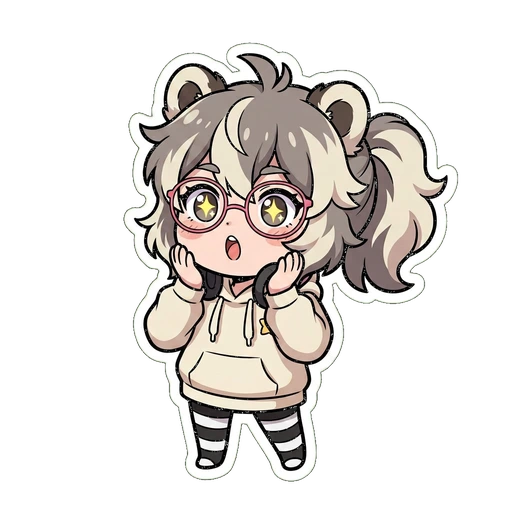
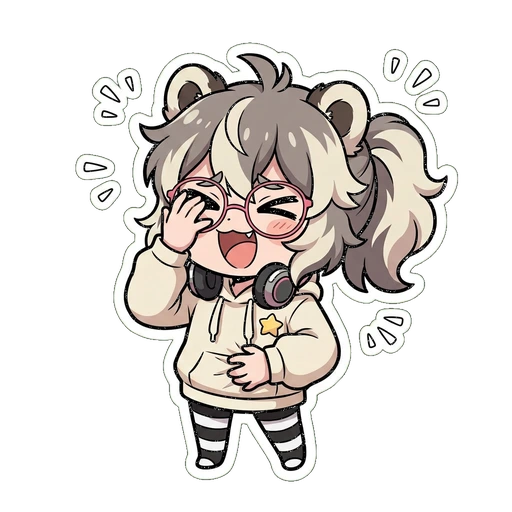
Six moods. Still unmistakably the same channel.
This is the actual set this maker produces from one description — not six unrelated stickers pulled off a shelf. That consistency is what makes a set feel like a channel's own emoji instead of a pack of generic icons.
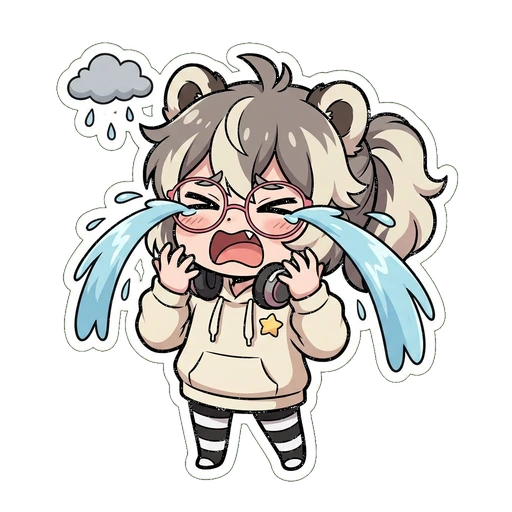
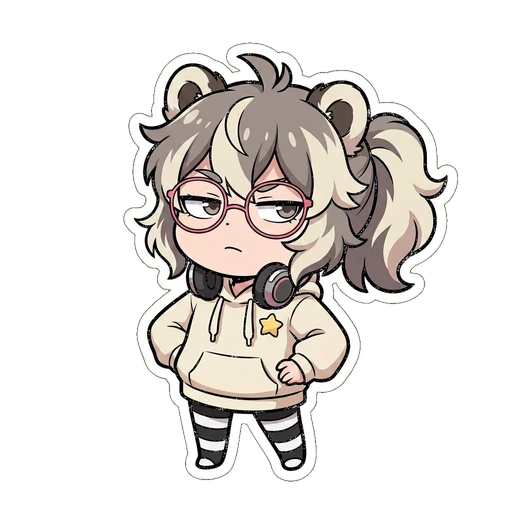

A member emoji is a sub emote. A loyalty badge is a sub badge.
Different platform, same two assets, same moment a creator needs them: right after hitting a subscriber or member milestone, wanting a set that actually looks like their channel instead of a stock icon.
One real difference worth knowing before you design: Twitch splits emote slots by subscription tier, but YouTube pools every emoji into one set every member sees, regardless of level. Slot count scales with your total membership count instead — more on that below.
| YouTube | Twitch | Discord | |
|---|---|---|---|
| Reaction people type in chat | Member emoji | Sub emote | Custom emoji |
| Icon shown beside a name | Loyalty badge | Sub badge | — |
| Split by tier? | No — one shared pool | Yes — per tier | N/A |
Loyalty badges, and the nine-tier ladder
YouTube's own docs call these both loyalty badges and membership badges— same feature, both names show up in their help article. This maker doesn't generate the badge ladder yet, the same way our Twitch sub badge page is honest that its ladder tool isn't built yet either. What follows is the verified spec, so at least the sizing question is answered today.



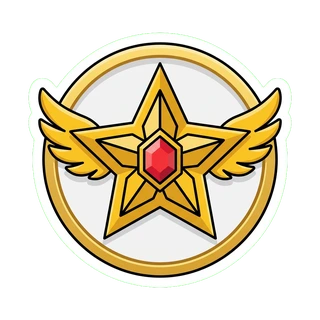
One motif, escalating consistently — plain outline, then bronze, then a gem, then gold with wings. Chat learns the pattern fast, the same design idea as a Twitch sub badge ladder.
| Rule | Value | Source |
|---|---|---|
| Minimum size | 32 × 32 px | YouTube Help |
| Recommended source | 64 × 64 px, for a sharp downscale | YouTube Help |
| Renders at (live chat) | 16 × 16 px | YouTube Help |
| Renders at (comments / Posts) | 14 × 14 px | YouTube Help |
| Format | JPEG or PNG | YouTube Help |
| Max file size | Under 1MB | YouTube Help |
| Tier |
|---|
| New member |
| 1 month |
| 2 months |
| 6 months |
| 1 year |
| 2 years |
| 3 years |
| 4 years |
| 5 years |
How many emoji slots you actually get
Verified straight from YouTube's own help article. Slots unlock as your total membership count grows — YouTube states plainly that it never announces a new unlock, so check this chart rather than waiting for a notification. Every membership milestone unlocks more slots — it's a continuous growth curve, not a fixed handful of tiers the way Twitch splits emote slots by sub level.
members (total, all levels) → emoji slots
| Members | Slots |
|---|---|
| 0 | 4 |
| 2 | 5 |
| 5 | 6 |
| 10 | 7 |
| 20 | 9 |
| 50 | 12 |
| 100 | 14 |
| 250 | 20 |
| 500 | 25 |
| 5,000+ | 54 |
Questions people actually ask
Also running Twitch or Discord?
Every set you make here already includes Twitch's three sizes and Discord's 128px — and every other platform this product ships to — but those pages have their own platform-specific copy, sizing tables and FAQ if that's where you're starting instead.
Keep exploring
The sizes, the file rules, and the design decisions that separate an emote people spam from one nobody can make out. Draw it, commission it or use a maker — this covers all three.
DISCORD · STEP BY STEP128×128, 256KB, and how many slots your server really has. How to make a set that still reads at 16 pixels — which is how small a reaction actually gets.
FREE TOOLDrop in one image, get 112, 56 and 28px back with transparency intact. No account, no watermark.
SPEC SHEET112×112, 56×56, 28×28 — the three sizes Twitch asks for, where each one actually shows up, and the file rules that get uploads rejected.